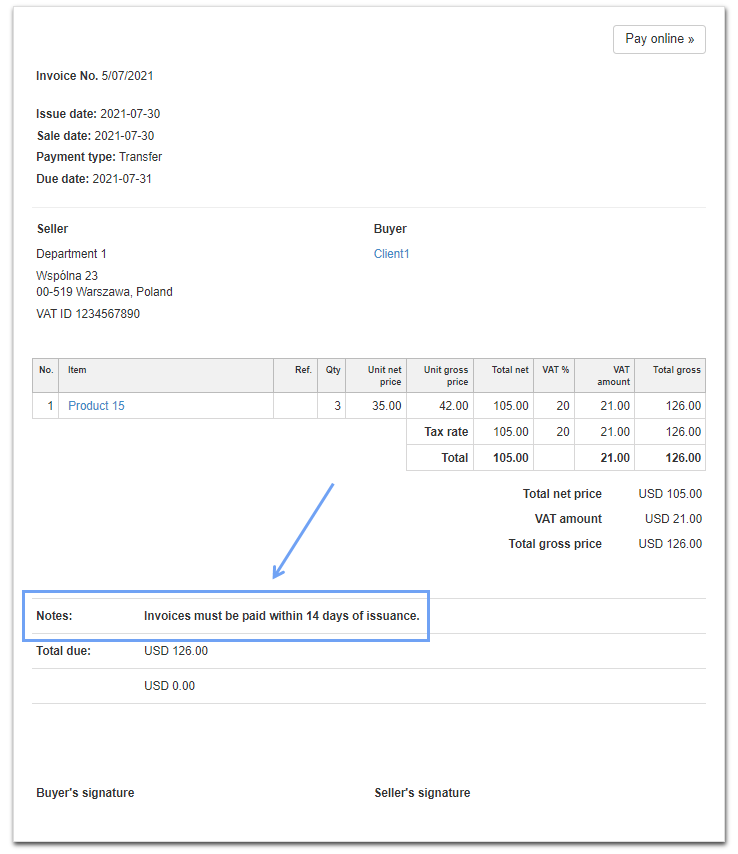
Bold text in "Notes" section on invoices (default template)
In order to change any element of the invoice on the printout, go to Settings> Account settings> Print settings, and then at the bottom of the page fill in the field Customize print with CSS with an appropriate CSS code.
To bold the information in the Notes section on the invoice, use the following CSS code:
} @media all {
.inv_desc td {font-weight: bold;}
Then save the changes.
When you create a new invoice, the text of the note you entered will be bolded in the Notes section.