You may customize the way your invoice looks. In order to do so, go to Settings > Account settings > Print settings > Customize print with CSS.
You may select whether your changes will apply to a printed invoice, previewed invoice, or both.
In order for the changes to apply to printed invoices only, start by pasting the following code:
}
@media print{
In order for the changes to apply to previewed invoices only, start by pasting the following code:
}
@media screen{
In order for the changes to apply to printed and previewed invoices, start by pasting the following code:
}
@media all{
Afterwards, simply paste the code of what you wish to customize.
Switching the invoice information with logo
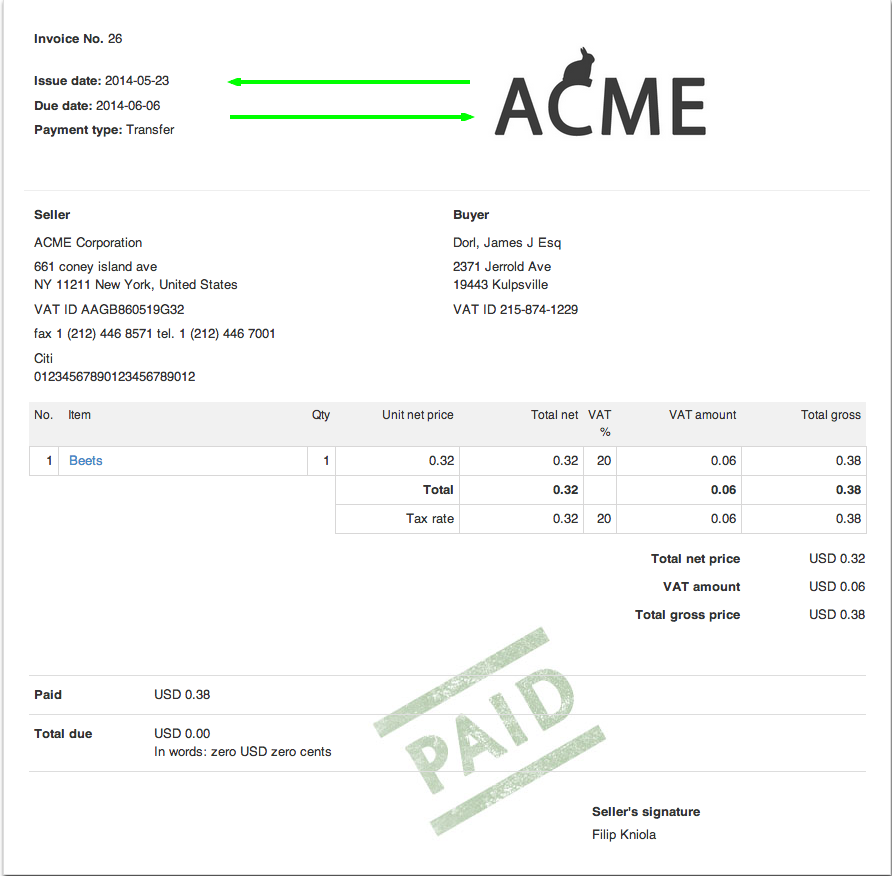
table.clean.to_half tbody tr td { float: right; width: 45%; } table.clean.to_half tbody tr td.logo_inside { float: left; width: 45%; display: inline-block; }