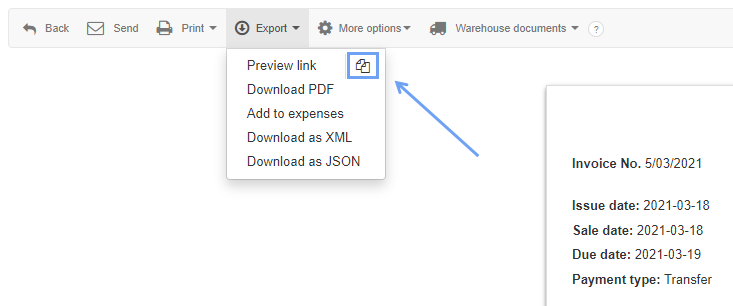
Each invoice generated by the system is granted its own unique link, which can be shared with clients, users, accountants or anyone you would wish to show the invoice to.
To be able to share a link to the invoice, the invoice must first be created or already exist in the system.
To create a link to an invoice:
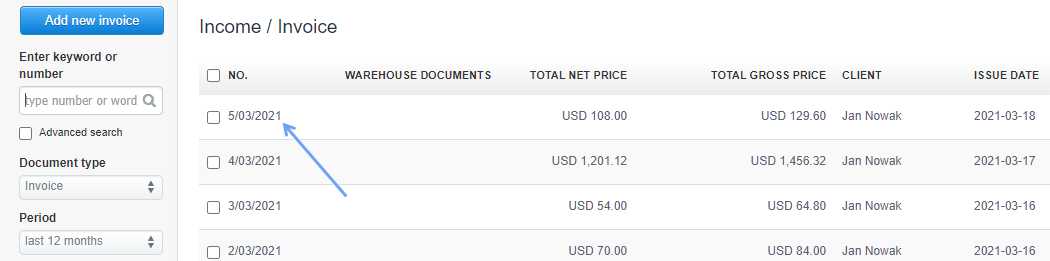
1. Go to Income> Invoice
2. Click on the invoice you wish to generate a link for
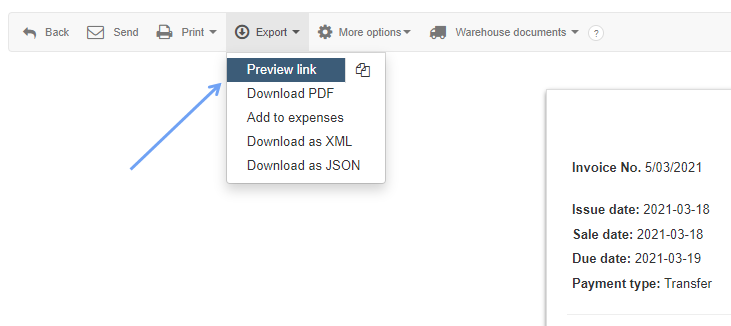
3. From the Invoice tab navigate to Export
4. Click on the drop-down menu and hit Preview link
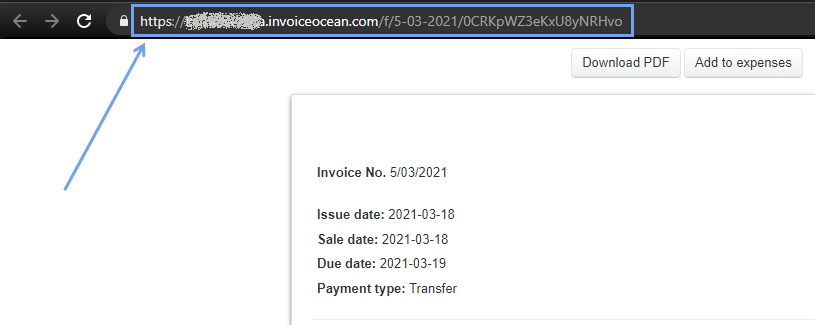
5. You will be taken to a new tab automatically, where you can view the invoice
6. Copy the URL (hyperlink) and send it to whomever you wish
You can also copy the link to the invoice by clicking on the symbol next to the Preview link function described above. The link will be copied without previewing the invoice in a new window.