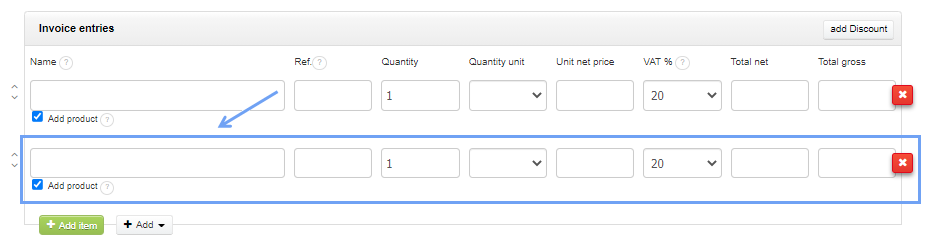
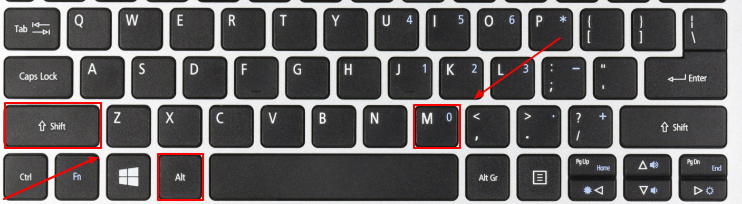
On Windows-type keyboards, in Chrome, Mozilla Firefox, Microsoft Edge browsers, it’s the ALT + SHIFT + M shortcut. Below is a sample Windows keyboard.
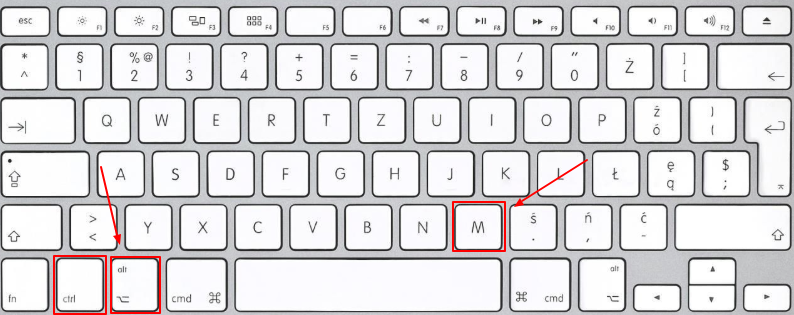
On Mac keyboards in Chrome, Safari it’s the CTRL + OPT (ALT) + M shortcut.
Below is a sample keyboard from a MAC computer.
For more information about keyboard shortcuts in other browsers, see: https://en.wikipedia.org/wiki/Access_key#Access_in_different_browsers.