If you issue the same expenses regularly (e.g. once a month), it is convenient to set up recurring expenses.
In order to generate a specific expense automatically each month, Preview that expense and click Add > Set recurring.
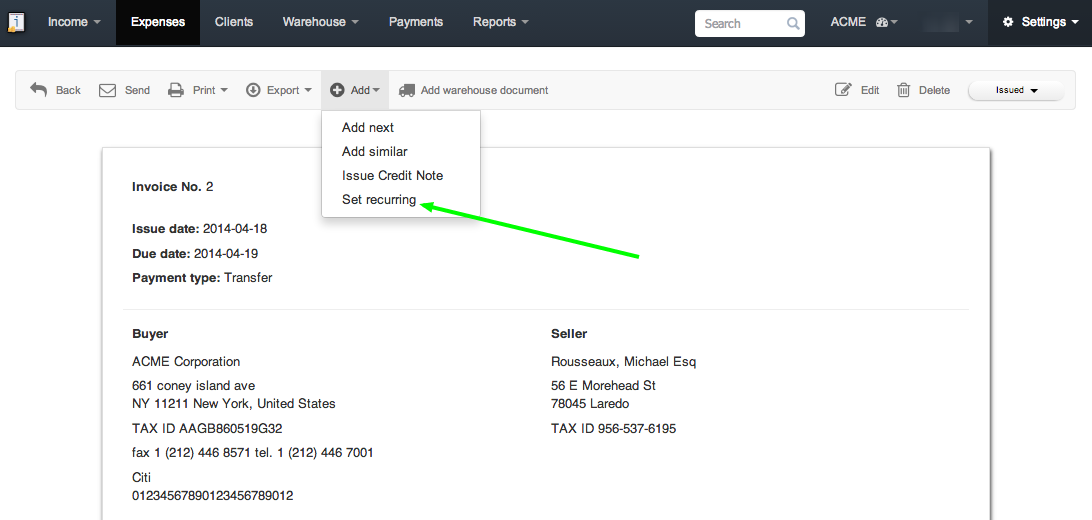
In the next step, enter the name of the recurring expense, set a date and intervals at which it will be generated and click save.