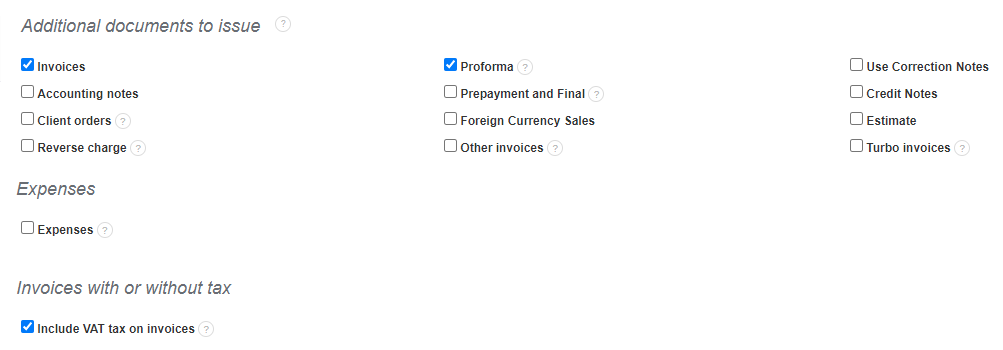
On the main page of the invoiceocean.com panel, there are buttons for issuing different types of documents. There is a button + add more documents. When you click on it, you can activate other types of documents.
After clicking this button, the system will automatically take you to the Additional documents to issue field, where you can select the checkboxes next to the documents you want to issue.
Searching for an answer...
AI Answer
Sources
Was this answer helpful?
Unfortunately, I couldn't find an answer to this question.