Just open the Clients tab and select the client you want to issue an invoice to.
You will see the customer's profile with four buttons in the bottom left-hand corner: Issue invoice, Issue expense invoice, View all invoices, See expenses.
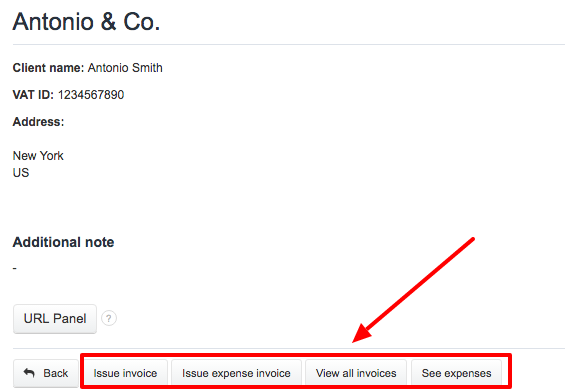
Using this panel you can easily manage existing documents or issue new ones.