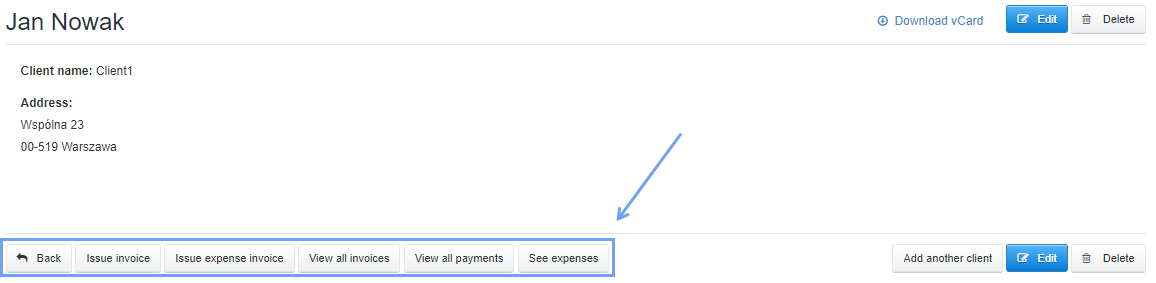
In the system, you can also easily manage invoices from the level of the card of the selected contractor.
Just go to the tab Clients, then choose the contractor.
The program will show you the client card, and here you can choose from buttons for invoice management, such as: Issue invoice, Issue expense invoice, View all invoices, View all payments, See expenses.
Using this Panel, it is easy to manage already created documents for this client, as well as to add a new document at any time.