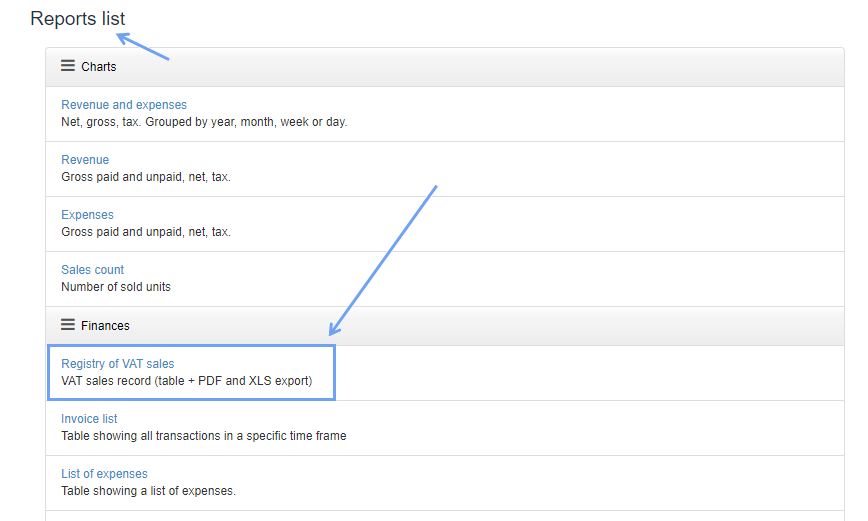
Sales in our program can be registered using the report Registry of VAT sales in the Reports> Report list, in the Finances section.
Then, in the report menu, select the report generation dates and click Generate Report. Optionally, you can also choose such options as: the company's department, by which date you want to search for documents, e. g. issue date, date of sale, Document type, Status, and Buyer country.
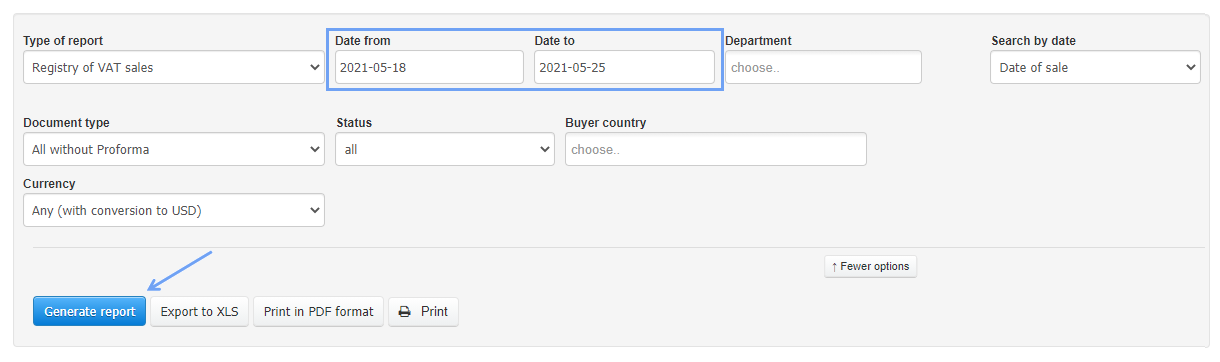
The generated report can be printed and received as a PDF or XLS file.