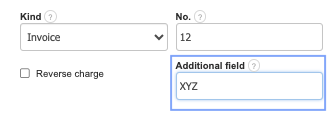
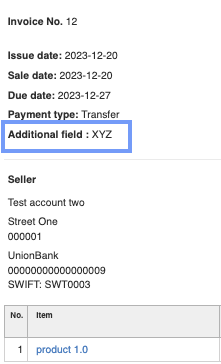
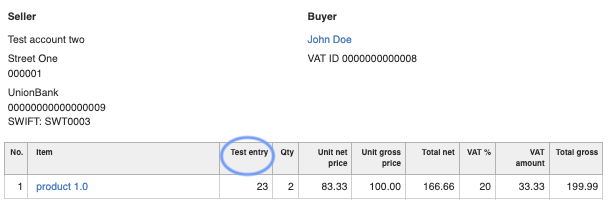
InvoiceOcean allows editing the content of an additional entry on the invoice items and also adding an extra field on the invoice just below the details such as the issue date or invoice payment terms, which can assist in personalizing each user's invoice.
Editing the content of an additional entry on the invoice items:
The additional entry name on the invoice items in InvoiceOcean can be changed.
To edit the content of an additional entry on the invoice items:
- Go to the Settings > Account settings.
- Navigate to the Configuration > Invoices and documents tab.
- In the Additional entry on the invoice section, create a formula that will be displayed in this place during the creation or editing of the invoice.
- Press the Save button

Adding an additional field on the invoice
To add an additional field on the invoice:
- Go to Settings > Account settings.
- Navigate to the Configuration > Invoices and documents tab.
- In the Additional invoice field section, create a formula that will be displayed in this place during the creation or editing of the invoice.
- Press the Save button.