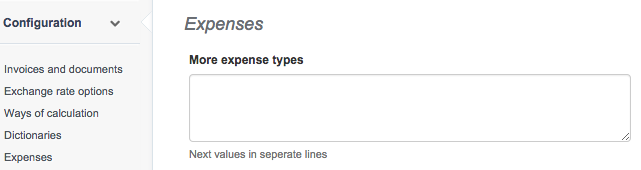
InvoiceOcean lets you add additional types of expense documents (such as contract of employment). That way you can have a complete picture of your businesses' financial health. You can select: Invoices, Bills and / or Receipts, proof of payment.
Additional expense types can be added in Settings > Account settings > Configuration > Expenses > More expense types.