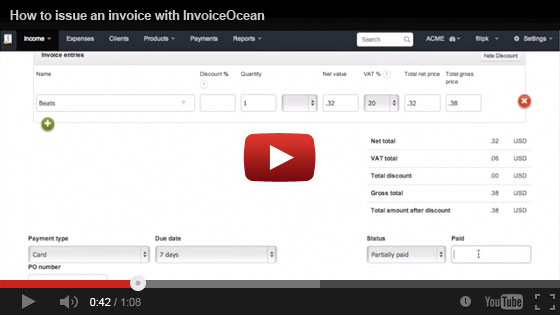
To issue an invoice using InvoiceOcean, simply start by clicking on the Invoice button.
1. In the buyer field you may enter details manually, or select one of previously added clients. Same rule applies to the invoice entries field. Here you can enter the item quantity, change tax rates or add a discount.
2. Next, you can select the payment type, due date or change invoice status.
3. You may select any world currency or select one of many available languages.
4. Once you're all set, click save and the system will generate the invoice.
Now that your invoice has been generated, you can send it by email, print it, export it, edit it or delete it.
That's how easy it is to issue an invoice using InvoiceOcean.
You can also take a look at this short video tutorial, which shows you the process step by step.