Kind of document in the System
To change the kind of document from the form:
1. Go to the Income or Expenses tab and select the document you want to create.
2. Create a new document using the dedicated button.
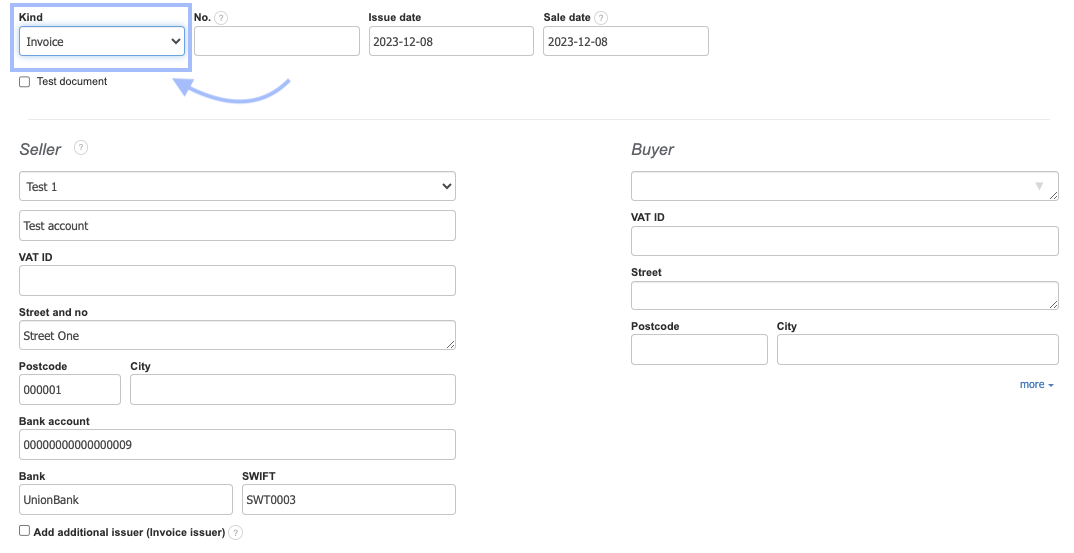
3. In the document creation form, at the top, you will see the Kind field - by default, the system will display the name of the selected document to be created in this place.
2. Create a new document using the dedicated button.
3. In the document creation form, at the top, you will see the Kind field - by default, the system will display the name of the selected document to be created in this place.
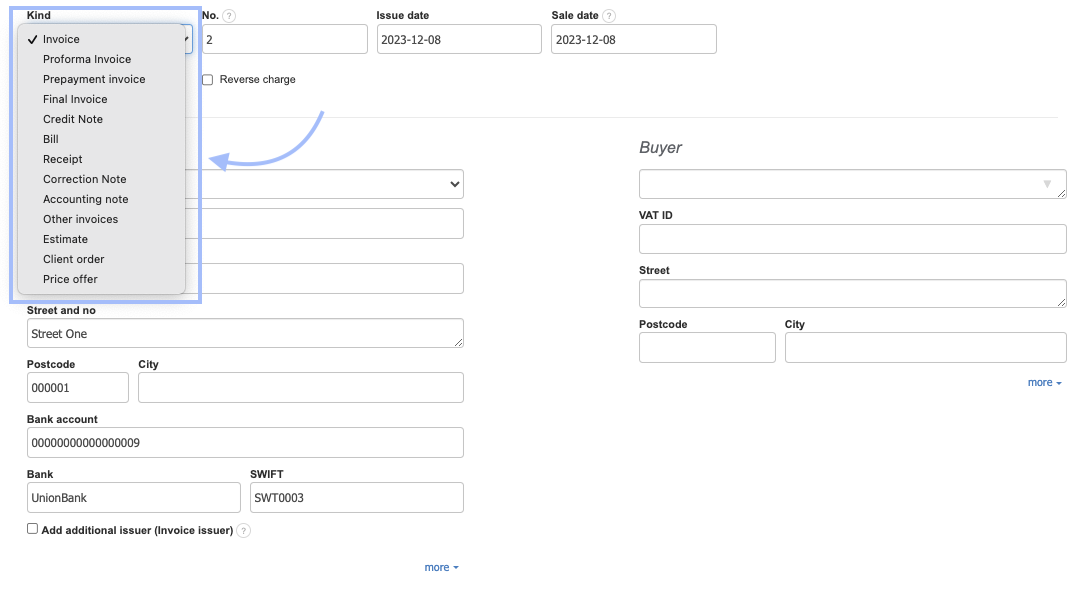
4. Clicking on this field allows you to change the kind of document by selecting it from the displayed list. The list will include those documents that are active in the Additional documents to issue section
Also, check: