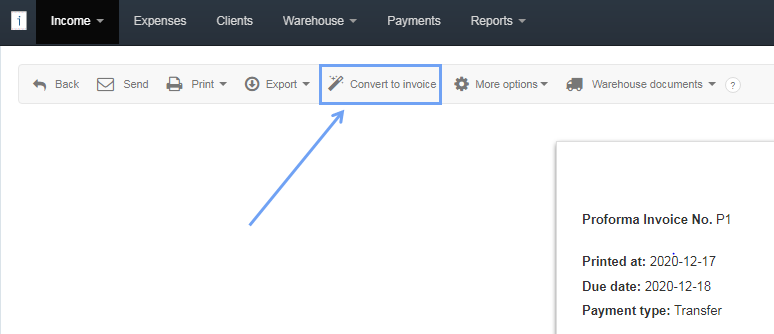
If you want to issue a VAT invoice from a non-accounting document, which is a Proforma Invoice, enter the Proforma invoice preview by clicking on its number and select the Convert to invoice option from the popup menu.
The program will copy all the data to the new form, you can save it by clicking Save.
In the system it is also possible to issue a VAT invoice for the order in a similar way. More information on how to do this can be found here.
Note. A Proforma document is a universal document. Multiple VAT invoices can be issued for a given client from one Proforma document.
Information that a VAT invoice has been issued for the Proforma document can be found in the AN INVOICE HAS BEEN ISSUED column.
