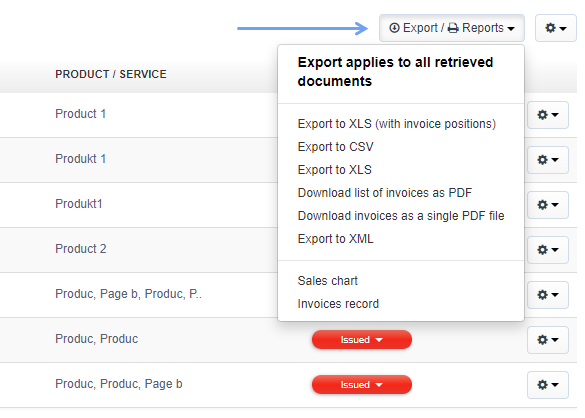
To export invoices to an XLS file, click on the Export/Reports icon in the upper right corner of the screen, above the invoice list, and select - Export to XLS (or another option - e.g. Download list of invoices as PDF).
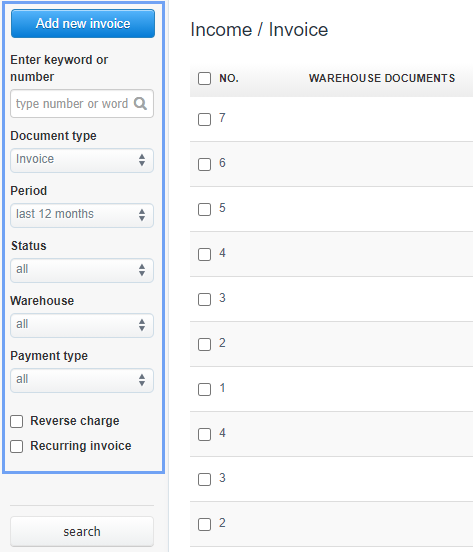
However, if you want to export/print documents from a certain date range (or a certain type of documents), first narrow the search - the search fields are on the left side of the screen:
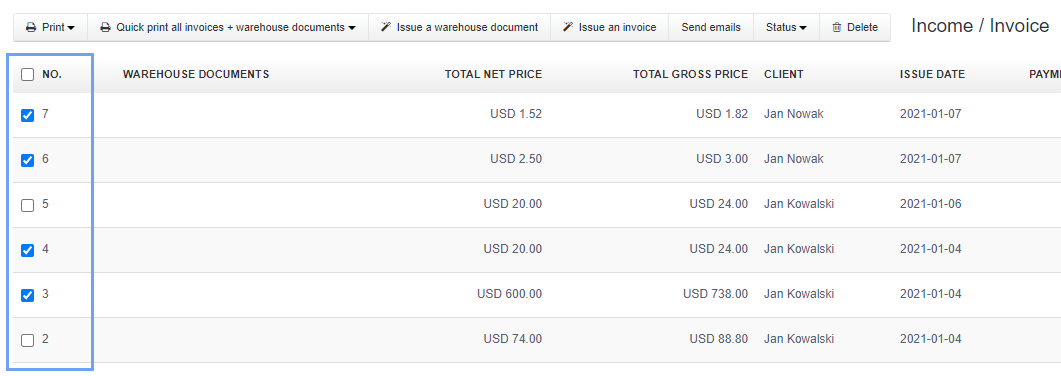
When the filtering panel does not give you the suitable search results for documents on the list, you can select individual windows next to invoices and then use the Export/Reports button.
Searching for an answer...
AI Answer
Sources
Was this answer helpful?
Unfortunately, I couldn't find an answer to this question.