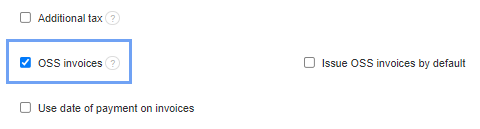
After activating the OSS invoices option, the system will automatically download the VAT rate of your contractor´s country.
You can activate the feature by going to Settings> Account settings> Configuration> Invoices and Documents> OSS invoices
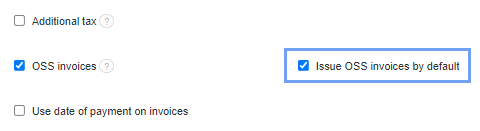
You can also activate default invoicing by pressing the Issue OSS invoices by default button - then when you issue an invoice, the OSS option will be immediately active.