When importing you might not always want to keep all of the data in the same format.
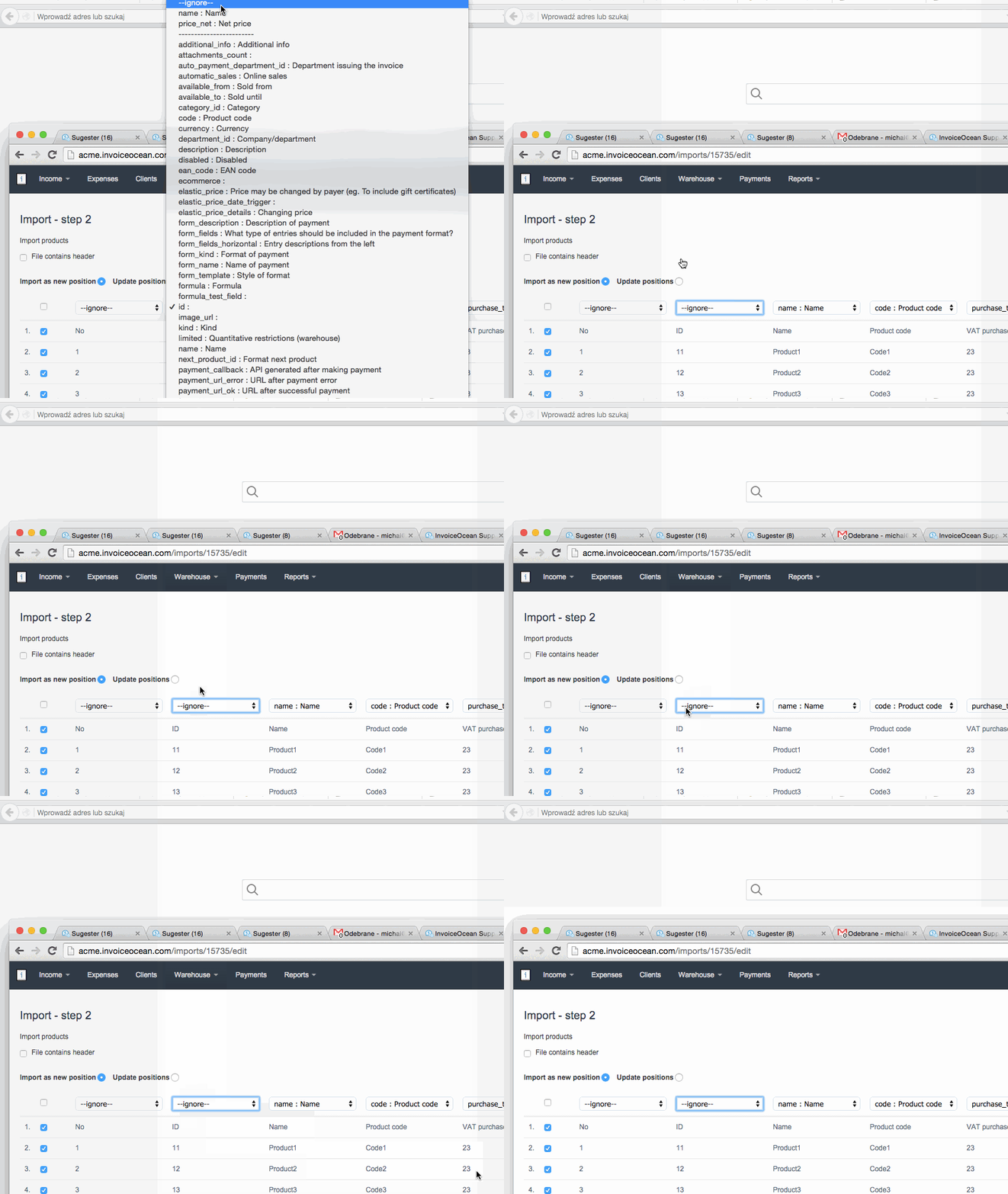
Before saving your imported data, you can change the head of columns at the top, or by choosing ignore to prevent InvoiceOcean from importing this column.
Unfortunately, I couldn't find an answer to this question.
Unfortunately, I couldn't find an answer to this question.