InvoiceOcean allows Users to create default entries in the fields on the invoice.
To do this:
- go to Settings > Account settings,
- go to Configuration > Invoices and documents,
- complete the selected fields as desired,
- press the Save button
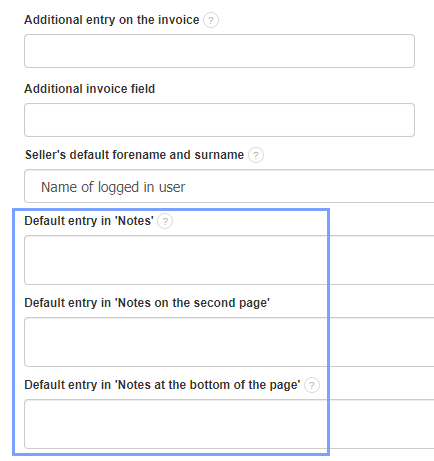
The text in these fields can also be freely enlarged or emboldened using the appropriate html code.