InvoiceOcean allows you to search for specific warehouse documents in many ways.
One of those ways is to search through the ‘Enter keyword or number’ field.
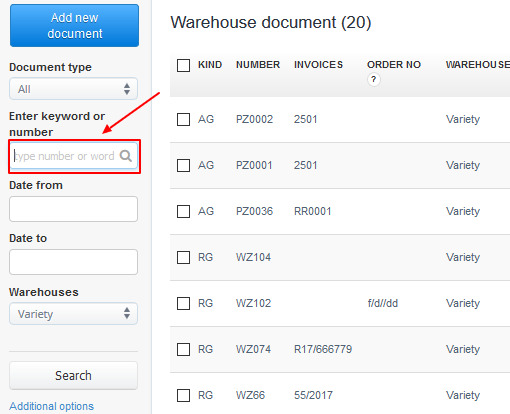
The ‘Enter keyword or number’ field is responsible for searching in fields like:
- Number of the document (up to 50 first items);
- Recipient (up to 90 f. i.);
- Supplier (up to 90 f. i.);
- Order no. (up to 25 f. i.).