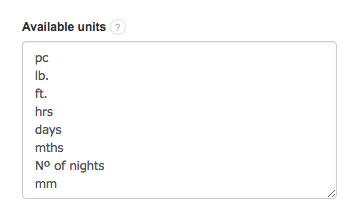
InvoiceOcean deals with hundreds of businesses everyday, should your business require industry specific units or measurements you are able to add them yourself. Custom units can be added by going to:
Settings > Account settings > Configuration > Dictionaries > Available units.
By clicking in the box you are able to insert any units that you require, make sure to leave an enter between each new unit.
Searching for an answer...
AI Answer
Sources
Was this answer helpful?
Unfortunately, I couldn't find an answer to this question.