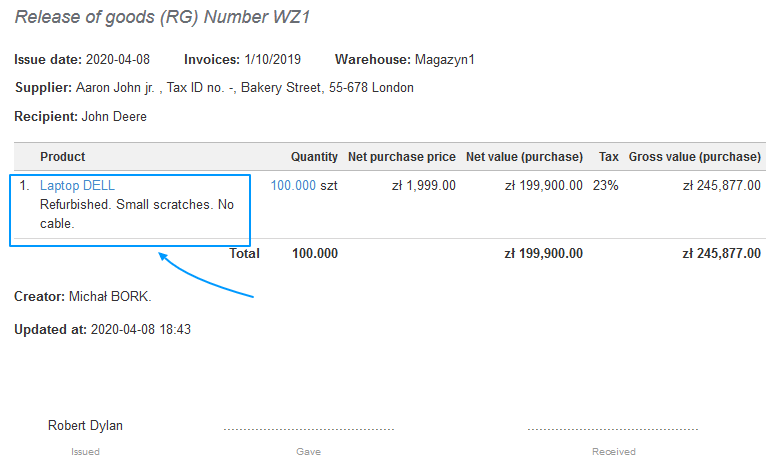
Invoice Ocean allows you to add a description of the product, as well as a description of the Warehouse document.
While creating a Warehouse document, you have to choose the ‘Purchase Prices and Product Notes’ button.
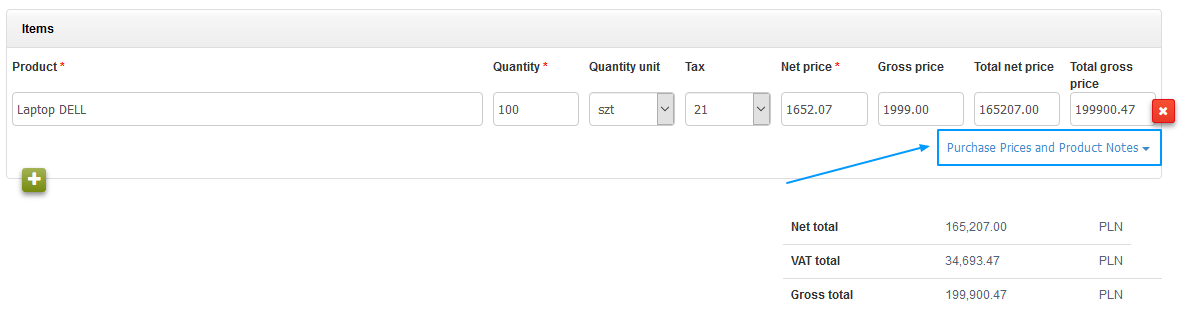
When you choose the said option, right below the ‘Product’ field will appear a ‘Notes’ field.
Additionally, you may correct the purchase prices for products. That is possible if you have (or do not have) purchase price previously added on the ‘Acceptance of Goods’ document.
Remember!
‘Notes’ will not be copied from the product’s card nor the invoice this product regards,
Notes have to be created only in this field.
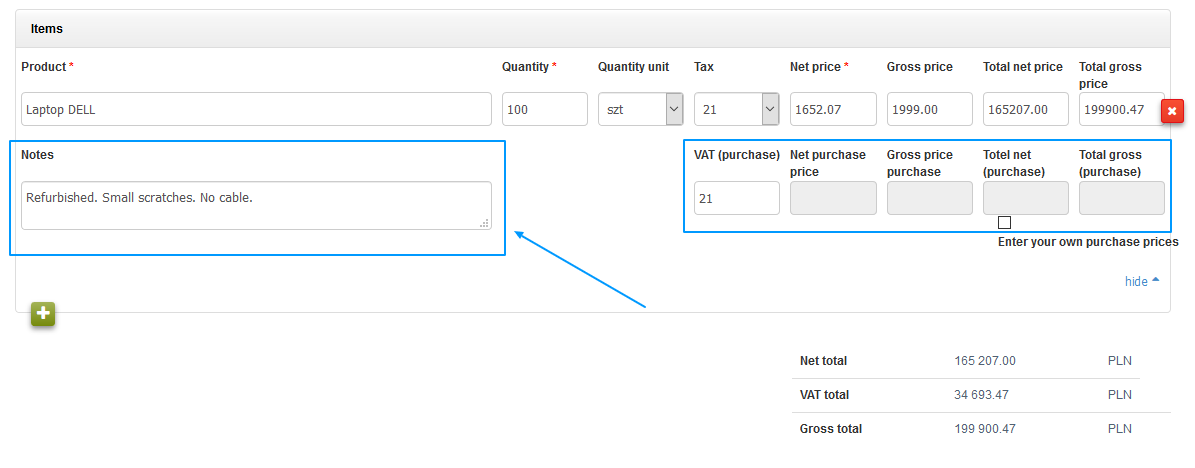
After saving the Warehouse document, the ‘Notes’ field will look like this: