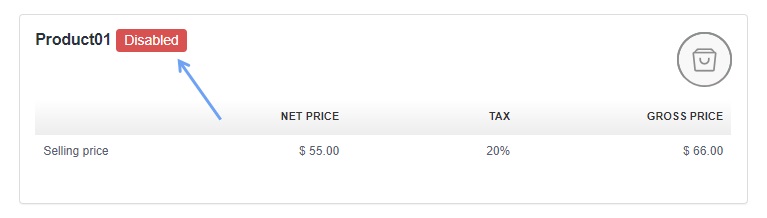
An example may be seasonal sales, where some products are not needed on the product list at the moment.
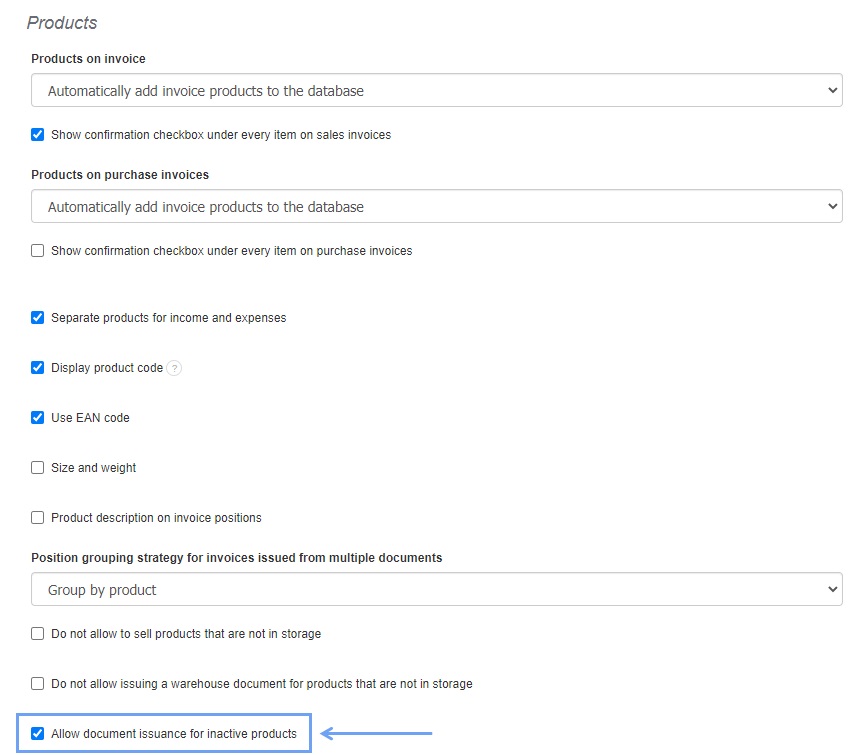
To do this, go to the Settings> Account settings> Configuration> Products tab and select the option Allow issuing documents with inactive products.
When issuing the invoice, the product will be searched by the system and marked as follows:

NOTE!
If there are no active restrictions:
- Do not allow to sell products that are not in storage,
- Do not allow issuing a warehouse document for products that are not in storage,
the system will allow you to issue an invoice with an inactive product that you do not have in stock.