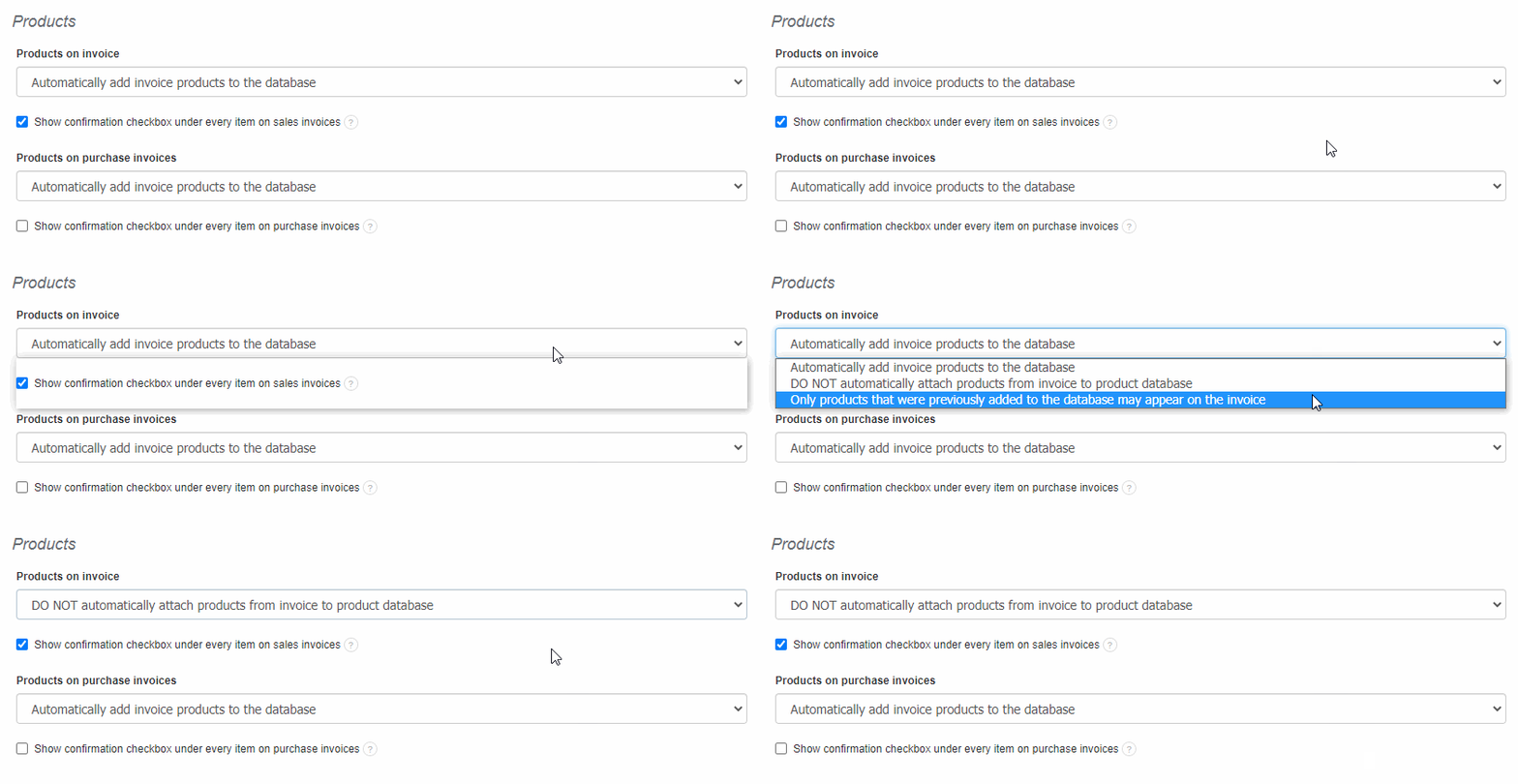
All products entered in invoice items are automatically added to your product list by default.
To turn off this option:
- go to Settings> Account Settings> Configuration> Products> Products on invoice,
- check the option DO NOT automatically attach products from invoice to products database.