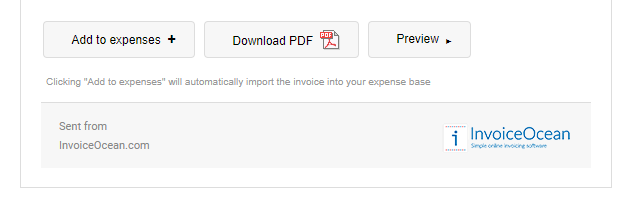
The panel that is displayed, however, can be turned off by going to Settings > Account settings > Invoice sending and selecting Turn off e-mail layout box.
The option is available starting from the Enterprise subscription plan.
Unfortunately, I couldn't find an answer to this question.
Unfortunately, I couldn't find an answer to this question.