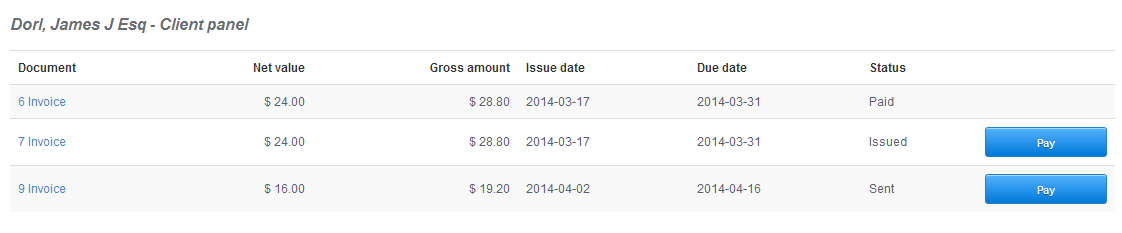
Thanks to the Client Panel, your clients are able to log in and see their documents with payment statuses.
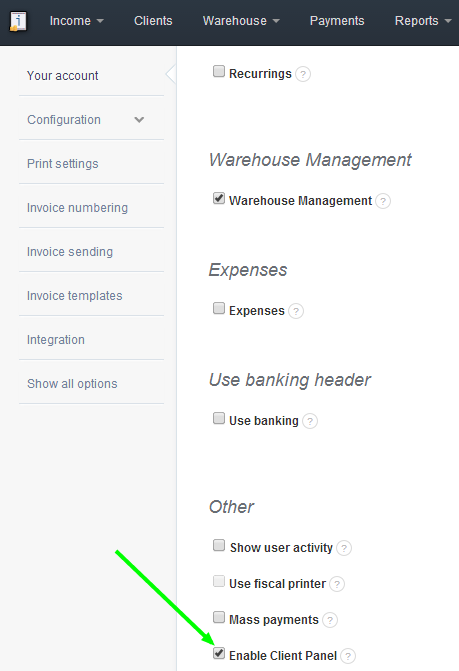
In order to enable the Client Panel, go to Settings > Account settings > Enable Client Panel
Now go to Client details and click See more options > URL panel. You will be redirected to a page with that client's documents. Simply copy the URL and paste it to your client.