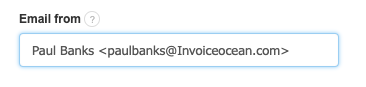
In InvoiceOcean, we have three options to choose from regarding how we want our invoices to be sent.
Methods of sending invoices via email:
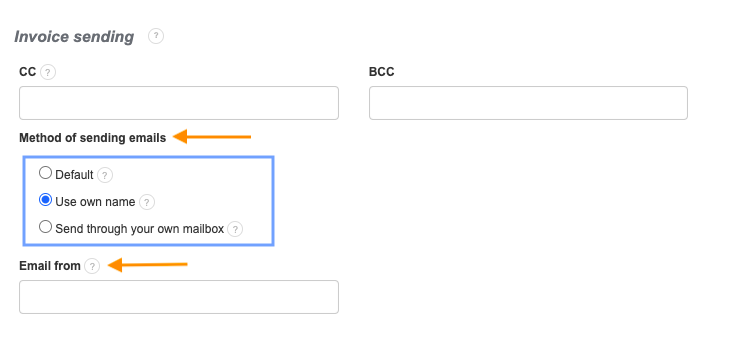
If you want to change the email address from which emails are sent to customers, follow these steps:
- Go to Settings > Account Settings,
- Navigate to the Invoice sending tab,
- Enter the chosen email address in the Email from field from which emails will be sent to customers,
- Click Save.