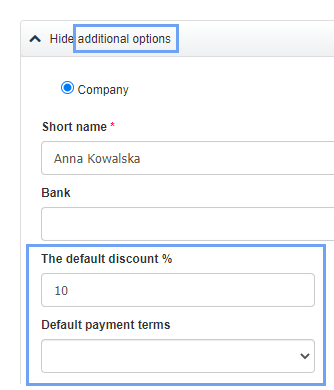
InvoiceOcean allows Users to assign parameters such as discount or payment terms to Clients data. Thanks to this possibility - when issuing invoices - the fields with this data are filled in automatically.
To do this:
- go to the Clients tab
- select a Client from the list and press the Edit button or add a new Client using the Add new client button
- press the See more options button
- select The default discount % and Default payment terms