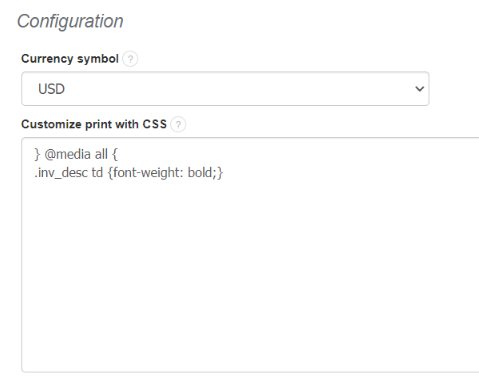
To do so, go to Settings > Account settings > Print settings > Configuration > Customize print with CSS. All you have to do now is insert a CSS code (below) into frame.
} @media all {
.inv_desc td {font-weight: bold;}
After that click onto Save button.
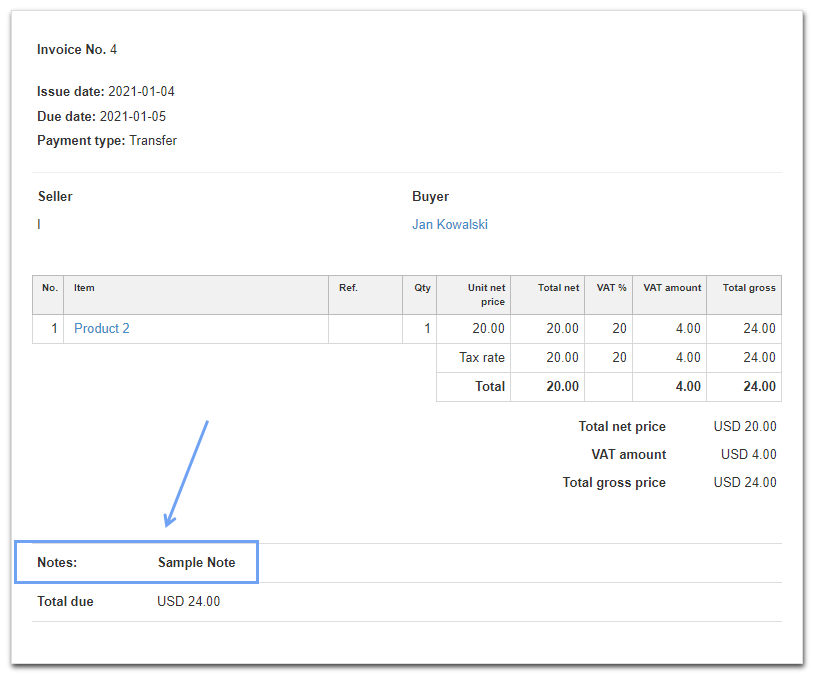
Example of said option would be just like the one below: