Example of said option would be just like the one below:
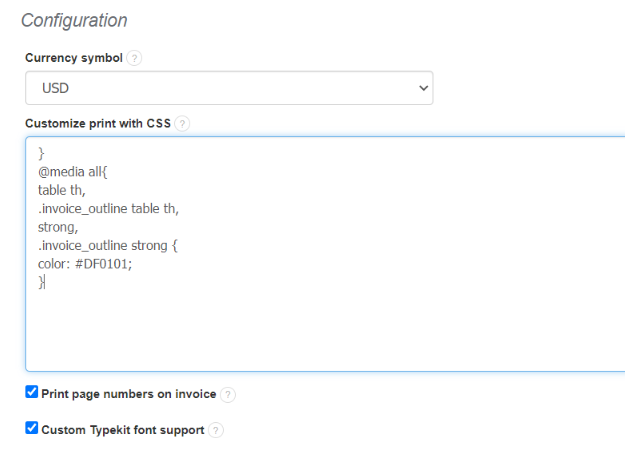
If you would like to change the color on the Blue template, go to Settings > Account settings > Print settings > Configuration > Customize print with CSS.
All you have to do now is to insert a CSS code (below) into frame.
}
@media all{
table th,
.invoice_outline table th,
strong,
.invoice_outline strong {
color: #DF0101;
}
After that click onto Save button.
Example of said option would be just like the one below:
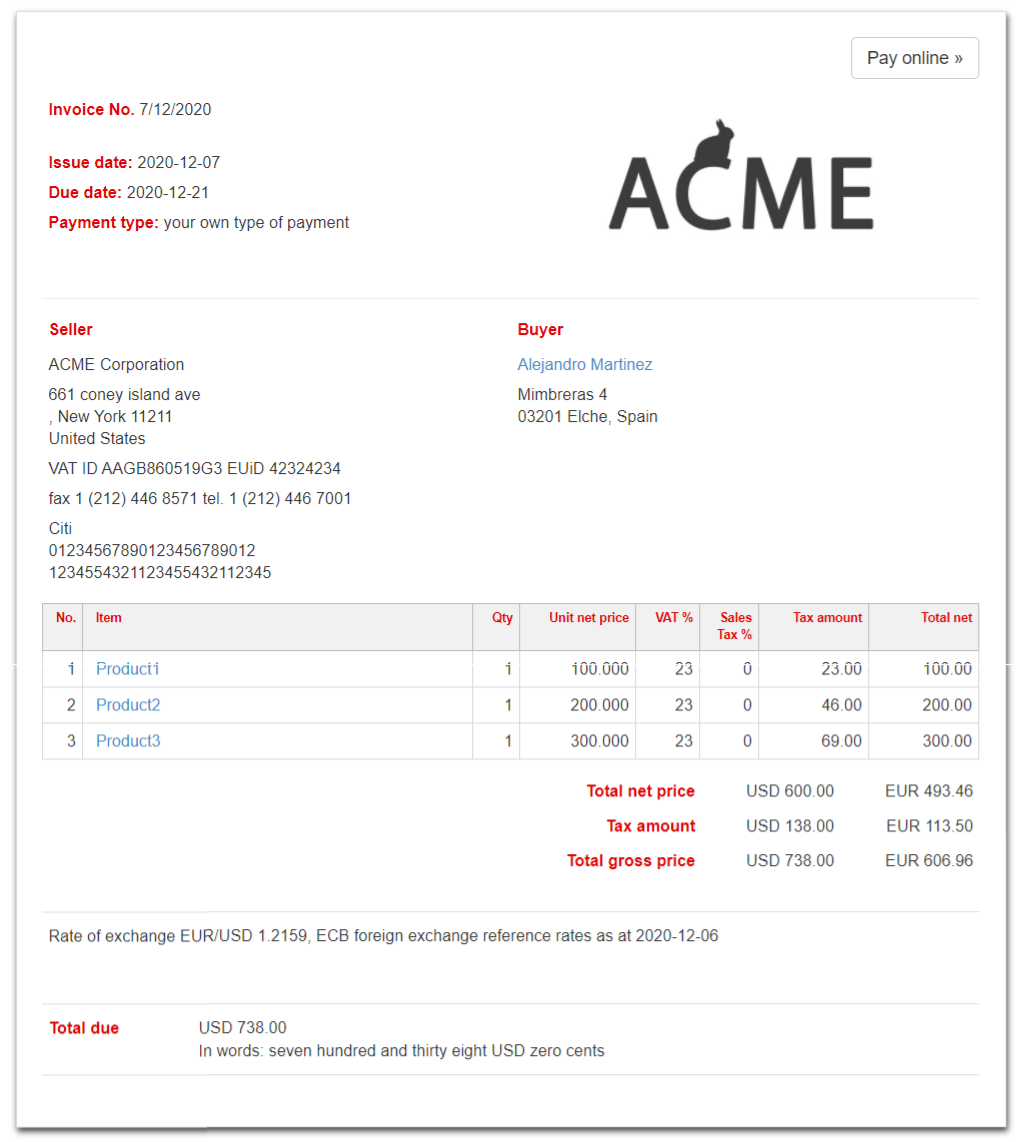
In the CSS code example (above) we used the red color coded in hexadecimal format (#DF0101).
You can customize the color displayed on your invoices by using any color in hexadecimal format. There are many colors to use that can be found on the Internet.