In the client card, you can include necessary information about your client. From basic data such as address or Tax Identification Number (VAT ID) to detailed settings regarding default discount, terms, or payment method. The system also allows adding additional information such as an identity document. In this entry, you will learn what additional information you can add in the client card.
Additional information in the client card
To add additional information:
1. Go to the Clients tab;
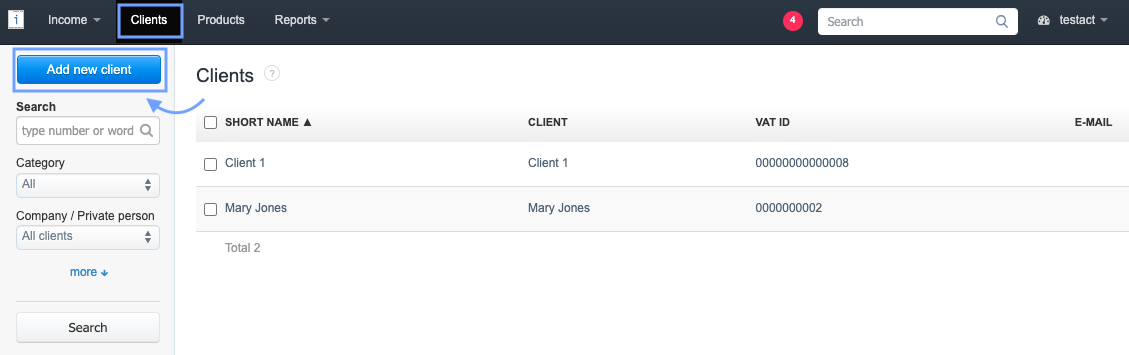
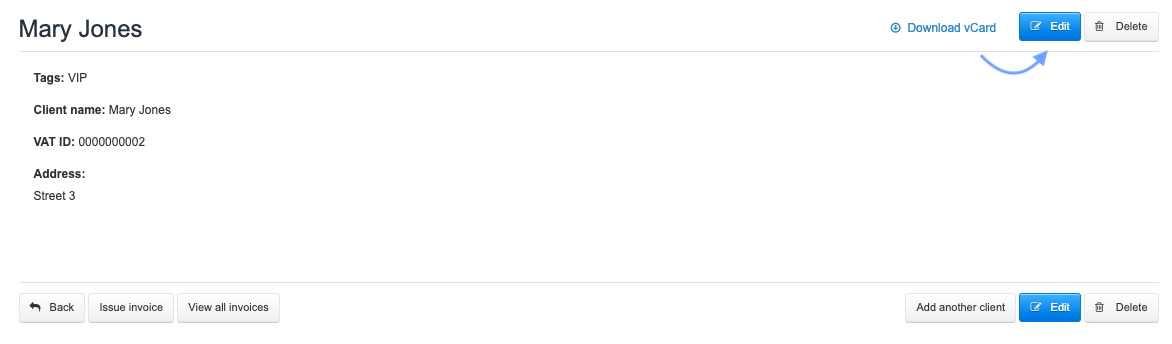
2. Create a new client using the Add new client button or click on the name of the client available on the list and use the edit option,
4. among the available options, you can fill in data such as: Webpage, CRO certificate, Client ID.
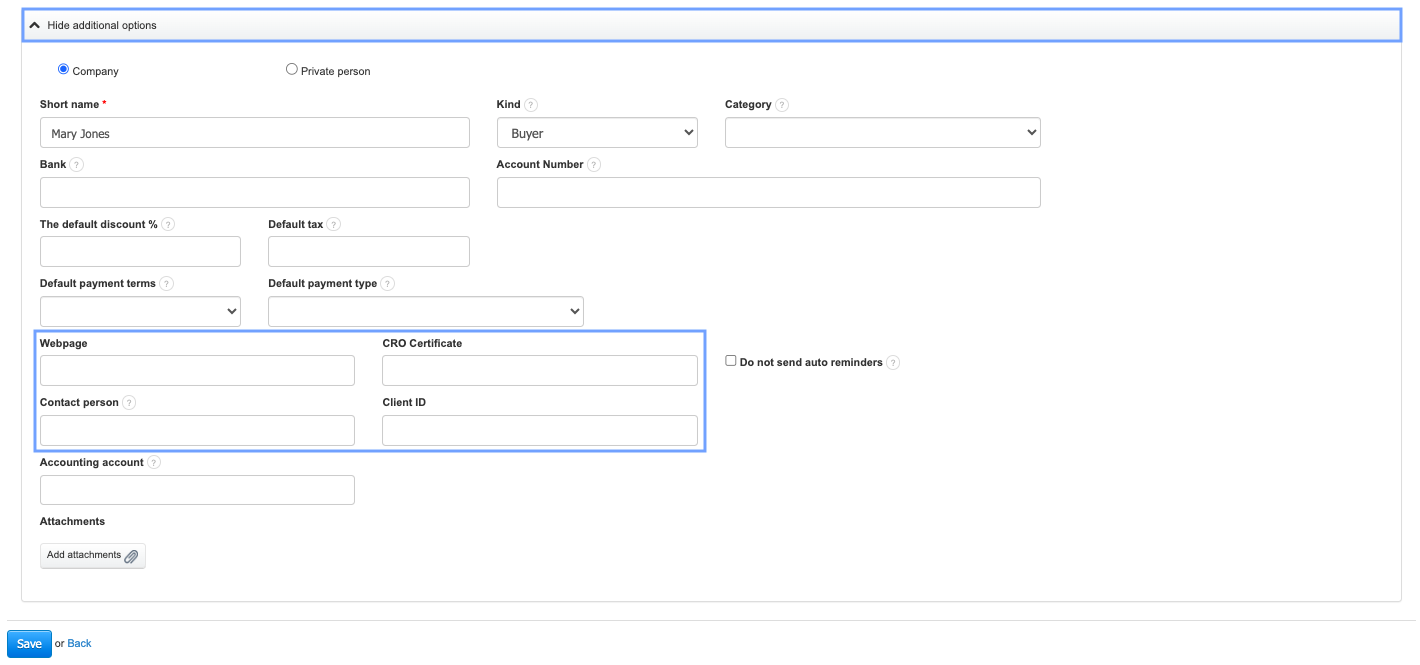
5. Confirm the changes made or the creation of a new client by clicking the Save button.
The entered data are additional information and will not be visible on the issued documents. They may be helpful (e.g., client ID or email address) in searching for the client on the client list within the account.
Also, check: