InvoiceOcean gives Users the possibility to add (permanently) a default recipient who accepts their clients’ invoices.
To do so:
- go to the Clients tab
- select a client from the list and press Edit from the button with the cogwheel symbol or add a new client using the Add new client button
- press See more options
- enter the name of the person authorized to receive invoices in the Contact person field
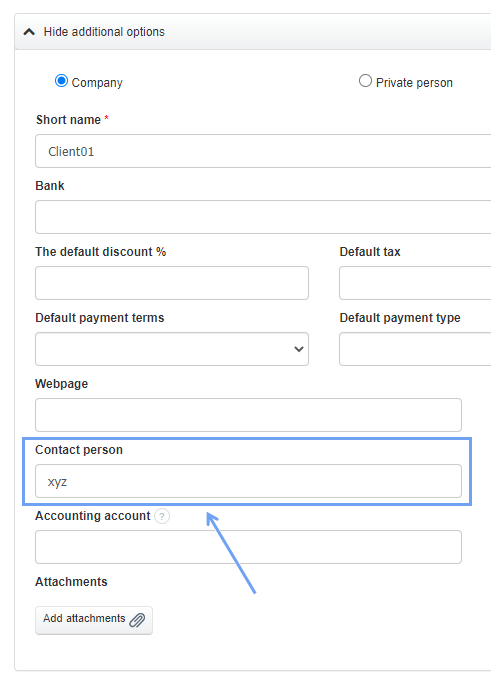
Data entered in this field will be displayed on the invoice in the Buyer’s signature field.