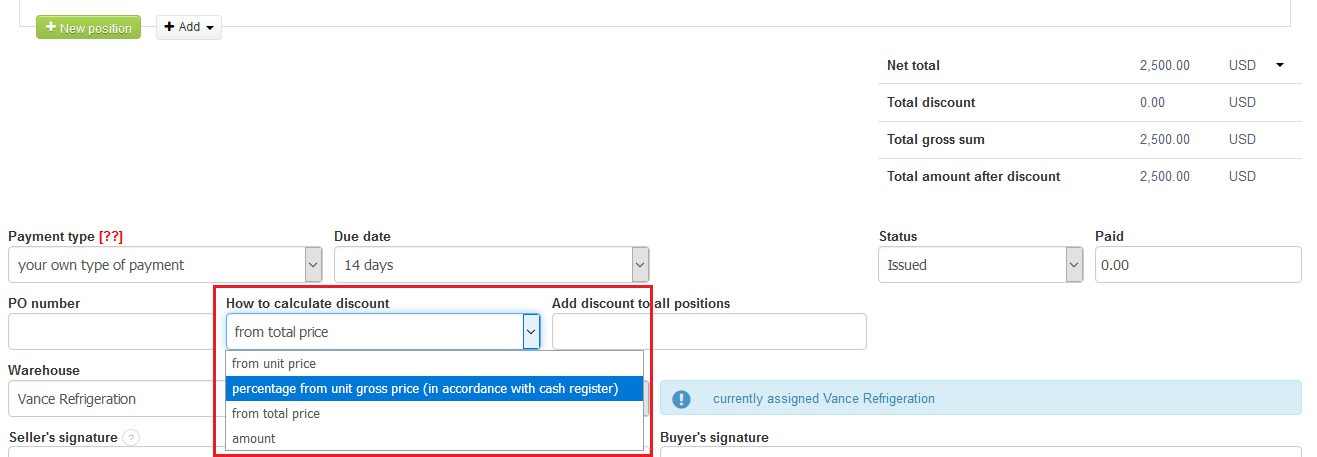
InvoiceOcean allows you to perform an invoice with a discount.
You may choose one out of the four different discounts:
- from unit price;
- percentage from unit gross price (in accordance with cash register);
- from total price;
- amount.
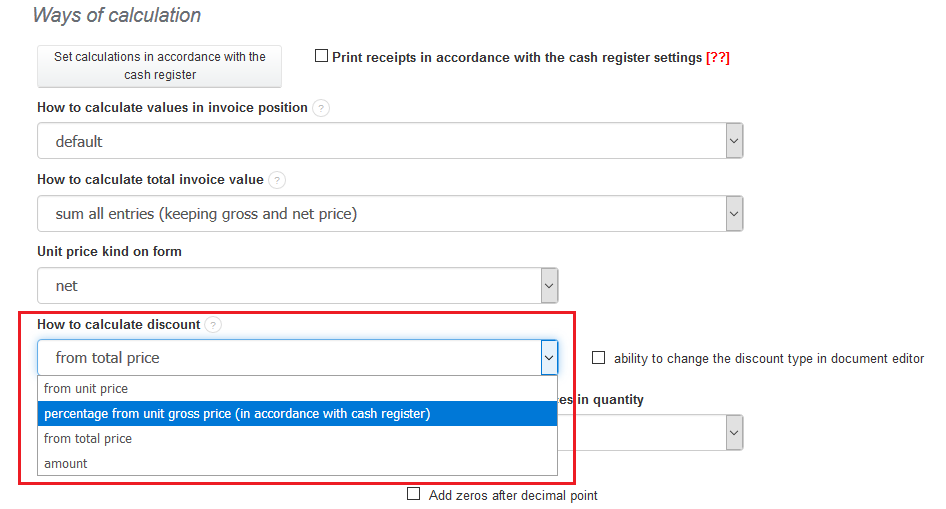
To choose one discount to all of the future invoices on the account go to Settings > Account settings > Configuration > Invoices and documents > Ways of calculation > How to calculate discount > Save.
InvoiceOcean gives you also the possibility to edit just one, selected invoice and change the discount calculation on it. To do so, go to Income > Invoice > click on the crown-wheel icon > Edit > How to calculate discount > Save.