In the case of a large number of items, copying them to the income invoice is quite laborious.
In InvoiceOcean, we have created a solution that allows you to instantly copy data from a cost invoice to a sales invoice.
To do it:
- go to the Expenses tab
- go to the preview of cost invoice by clicking on its number
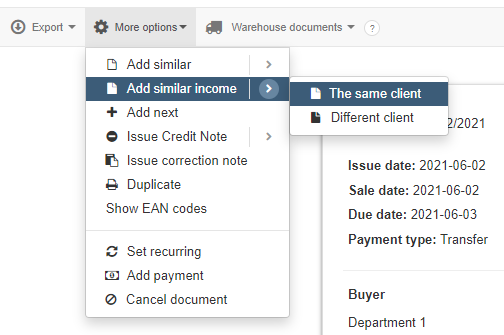
- press More options> Add similar income
The program will open the invoice form on the Income tab with the cost invoice data entered.
The same goes for a generated income invoice, for which you need to generate a cost invoice containing the same items.
To do this:
- go to Income> Invoice
- go to the cost Invoice preview by clicking on its number
-
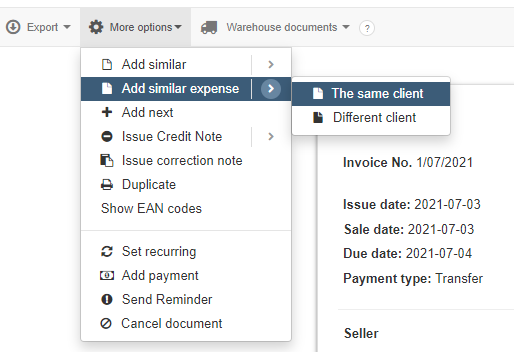
press More options> Add similar expense
After using this option, the program will open the invoice form in the Expenses tab with the entered data from the income invoice.