The method of calculating total invoice value can be changed in Settings > Account settings > Configuration > Ways of calculation > How to calculate total invoice value.
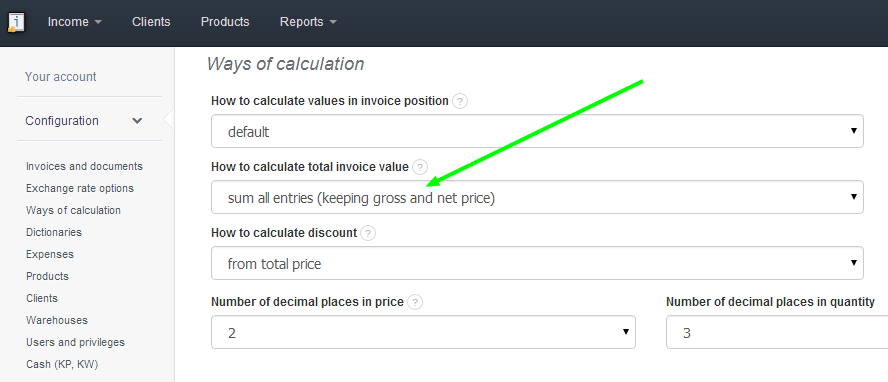
Available options are:
-
sum all entries (keeping gross and net price)
-
keep gross price and calculate net and tax (VAT). This option works like a cash register at a store, showing the gross amount.
- keep net price and calculate gross and tax (VAT). This function saves the net amount.