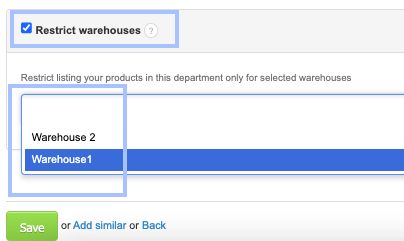
In InvoiceOcean, there is a possibility to limit access to warehouses for specific users of the system and provide them visibility to only one or several selected ones.
To do this:
- Go to the Settings > Company/department
- Using the gear icon, click the Edit button next to the selected department/company.
- Check the Restrict warehouses box.
- Choose the warehouses to which you want the selected department/company to have access.
- Click the Save button
To similarly limit the visibility of products or customers, follow the instructions described in the post Limiting Product Visibility or How to Limit Customer Visibility.