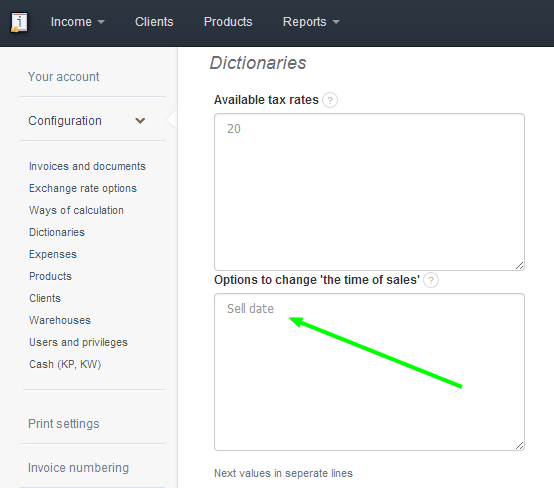
In order to change the time of sales from "Sell date" to, for instance, "Delivery date" go to Settings > Account settings > Configuration > Dictionaries > Options to change 'the time of sales'.
Searching for an answer...
AI Answer
Sources
Was this answer helpful?
Unfortunately, I couldn't find an answer to this question.