Skip to content

Accounting account

Number of views: 1368 1 min read
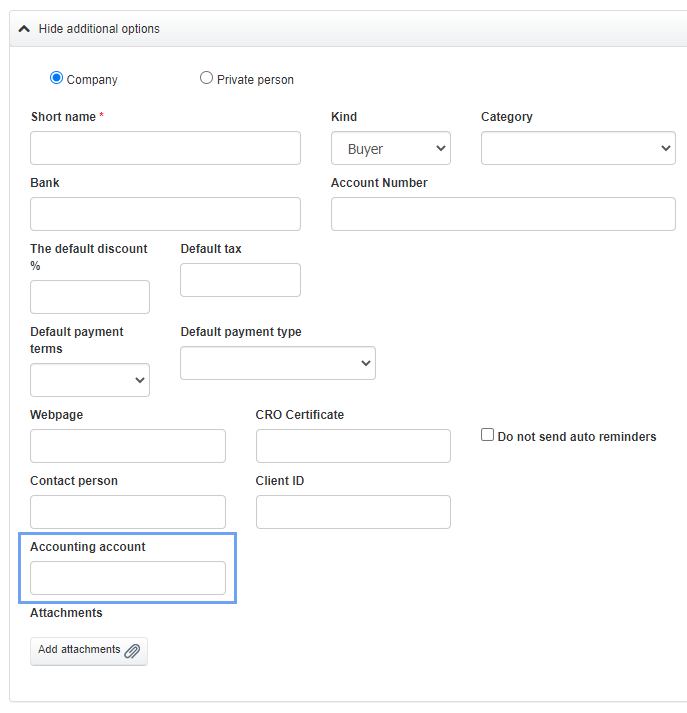
When filling in the client’s data, you can also enter the client’s ID in the accounting program. This is one of the main criteria for finding clients in any database. To do this:
  • go to the Clients tab
  • select a client from the list and press the Edit button, or add a new client using the Add new client button
  • when filling in the data, press the See more options button and enter a certain number in the field Accounting account
 

Was this entry helpful?

Share

Comments