InvoiceOcean allows you to change the method for calculating values on your invoice. In order to change it, navigate to:
Settings > Account Settings > Configuration > Ways of calculation > How to calculate values in invoice position, scroll down in the list and select your preferred option.
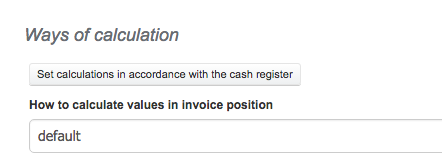
Available options are:
-
default
-
keep gross (in accordance with cash register)