In InvoiceOcean you have to possibility to categorize income and expenses.
To begin with, it is necessary to add your own categories.
To do this:
- go to Settings> Categories of income/expenses
- press the blue New button
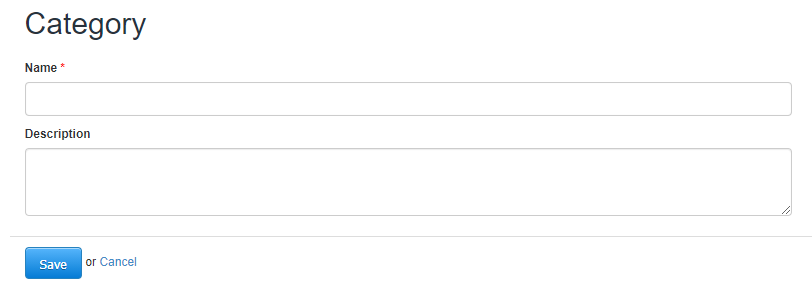
- name and (alternatively) describe the category
- press Save
From now on it is possible to assign categories to products and invoices and generate reports only for selected categories.
To assign a category to a given invoice, when creating or editing a document, select a convenient option under Category.

Learn more about the categories of income and expenses here.