Note: due to the complexity of the screenshots added in this guide, we recommend opening them in the new tab (please right-click on each graphic and select “Open in a new tab”).
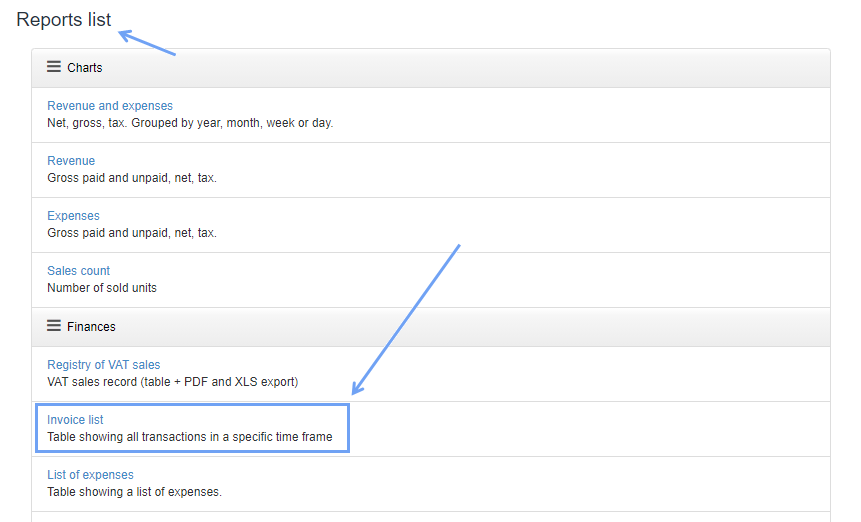
Report Invoice list is designed to show you a list of sales invoices from a given period, issued for a given client.
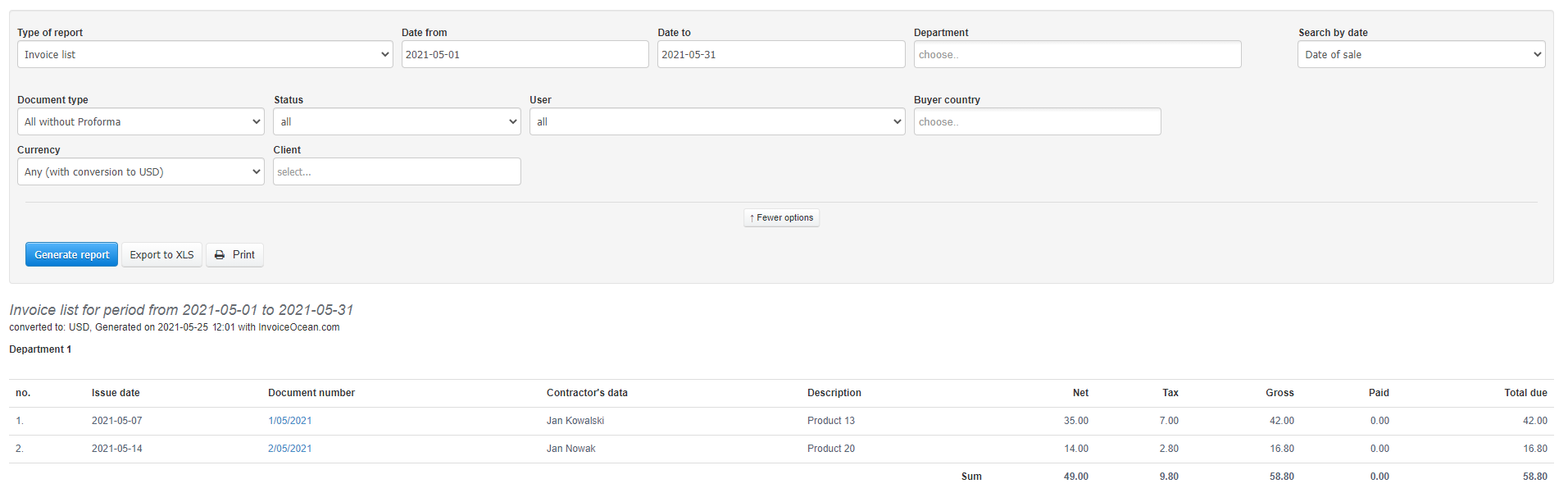
This list includes values taken from the summary of invoices (net, VAT, gross) and a summary of all income from invoices in the period you selected.
In addition to the ordinal number, document number, issue date, contractor’s data, additional information in the list are the columns:
- Invoice Description - this is generally the first item from the invoice,
- Amount Paid - shows the paid value from the invoice (when the sales invoice is partially paid)
- Total due - equal to the gross value of invoices (or the unpaid part, reduced by the amount paid).
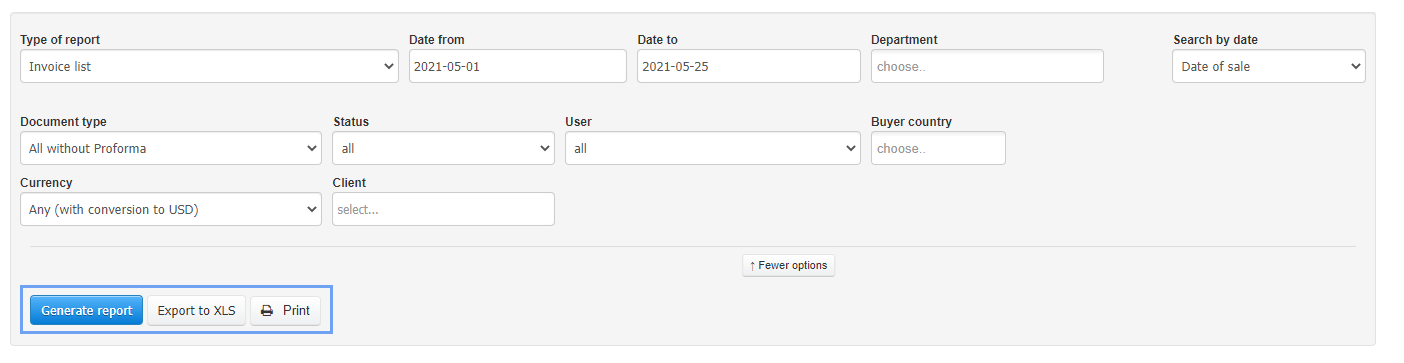
If you want to get the most accurate report, you must properly set the report dates (Date from, Data to) and whether when creating a list, the program is to suggest the date of sale, issue or payment. To do this, use the Search by date box.
After clicking the phrase more options, you have access to more headings that will allow you to generate a more detailed report:
- Document type - a type of document that you want to include in the report. You can choose all accounting documents or limit the search to e. g. VAT invoice or prepayment invoices,
- Status - for report, you can choose an invoice only with a specific document status,
- User - if you have more than one user in the system that generates documents, you can use the selected filter,
- Buyer country - when the country of origin is specified on the Client card, you can generate a list of revenues for contractors from a given country,
- Currency – with the currency field you can choose for report invoices issued in a given currency or select the option Any (with conversion to USD) when the USD is the currency of the entire account,
- Client - you can generate a revenue report, taking into account only one Client. In the heading, start entering the client’s name and choose from the ones suggested by the program.
After adjusting all the fields, you can click the Generate report button.
The generated report can be exported to XLS or printed. To do this, use the grey buttons: Export to XLS, Print.