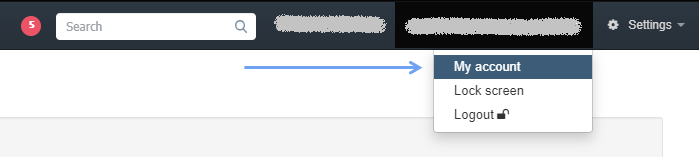
- go to the tab with your login name located next to the Settings menu
- select the My account tab
-
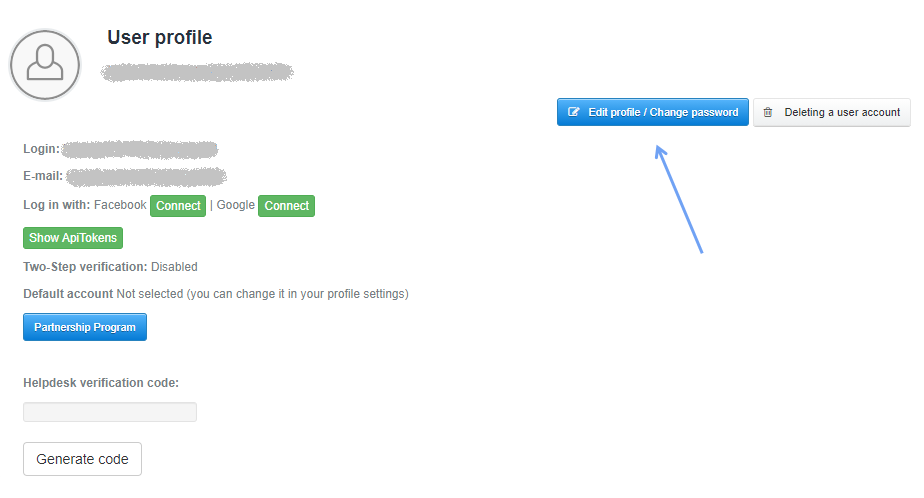
press the blue Edit profile/Change password button
- enter new data or make changes
- press Save
Unfortunately, I couldn't find an answer to this question.
Unfortunately, I couldn't find an answer to this question.