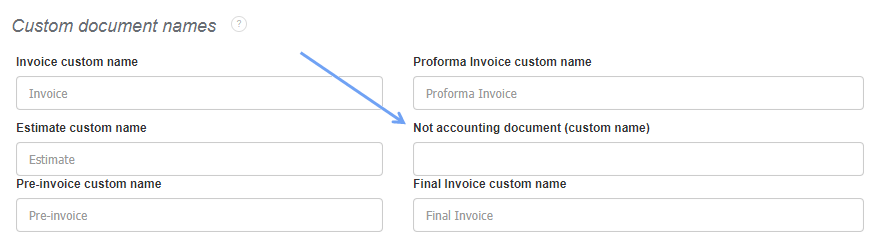
You can also name such a document in Settings> Account settings> Print settings> Custom document names> Not accounting document (custom name).
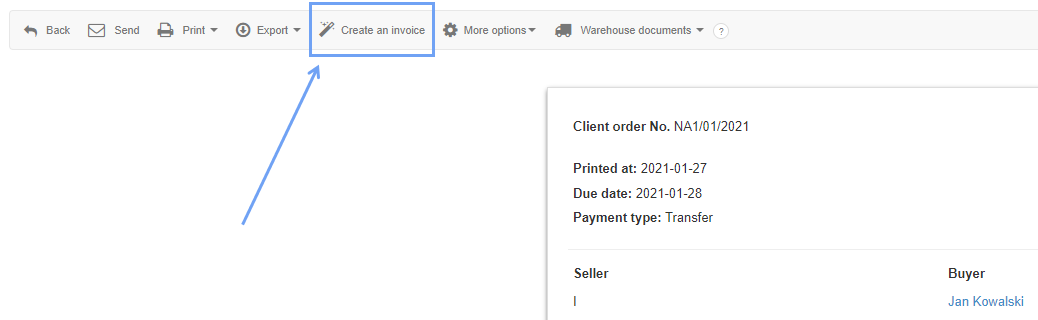
Non-accounting documents, like e.g. proforma invoices, do not count as income or expenses. If you want to issue a VAT invoice from a non-accounting document, go to the preview of this document and select Create an invoice from the pop-up menu.