When using a free account in the Free subscription plan, after the third invoice is issued, the program displays a message on a yellow background regarding payment for the account:
This information is displayed so that the User who wants to generate more documents in a given month after paying for the account can have this possibility. Otherwise, you need to wait until the next month to renew the 3-document limit.

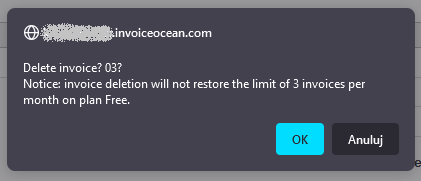
Note: the program counts the document limit when you save the document, so deleting documents will not increase the limit.
When an error happens when generating an invoice, edit it using the edit button located in the invoice preview. Then correct the data on the invoice and save again.
Editing a document does not affect the limit of issued invoices.