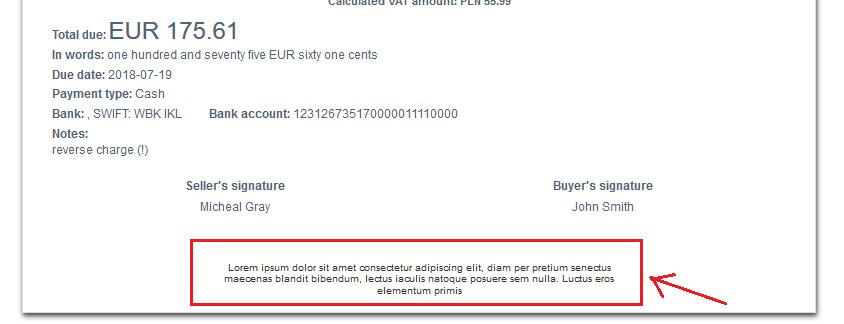
Regarding the General Data Protection Regulation regulations, InvoiceOcean allows you to put some default information in the ‘Notes at the bottom of the page’ section.
To do so, go to Settings > Account settings > Configurations > Invoices and documents > Default entry in 'Notes at the bottom of the page'.
Remember - you may add only 180 characters (including spaces).
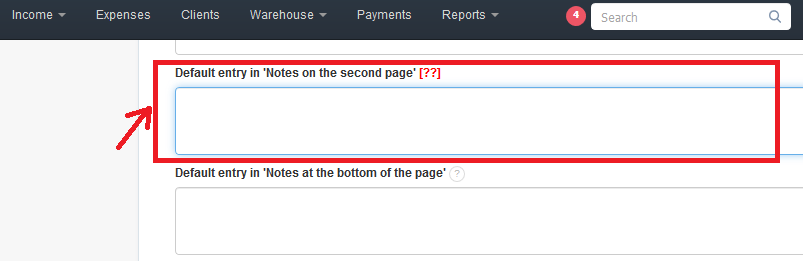
An example of such information would have look like one below: