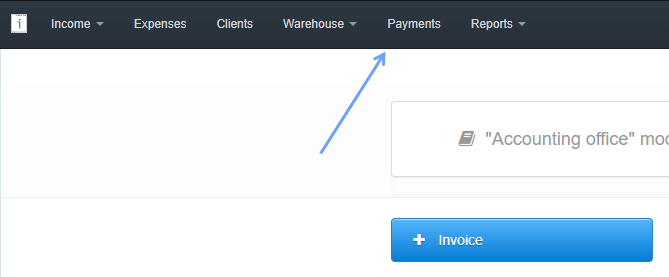
- select Payments from the bar at the top
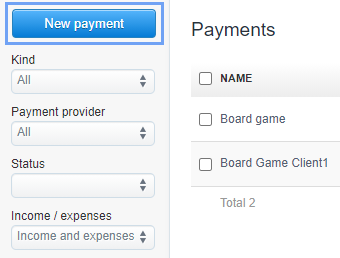
- select the New payment tab
- Enter the amount of payment, and then select the invoice number, to which the payment should be linked
-
If you have the Try to match automatically checkbox selected (after expanding the See more options tab) and you enter the exact invoice number in the payment name, the payment will be assigned to that selected invoice after clicking Save.
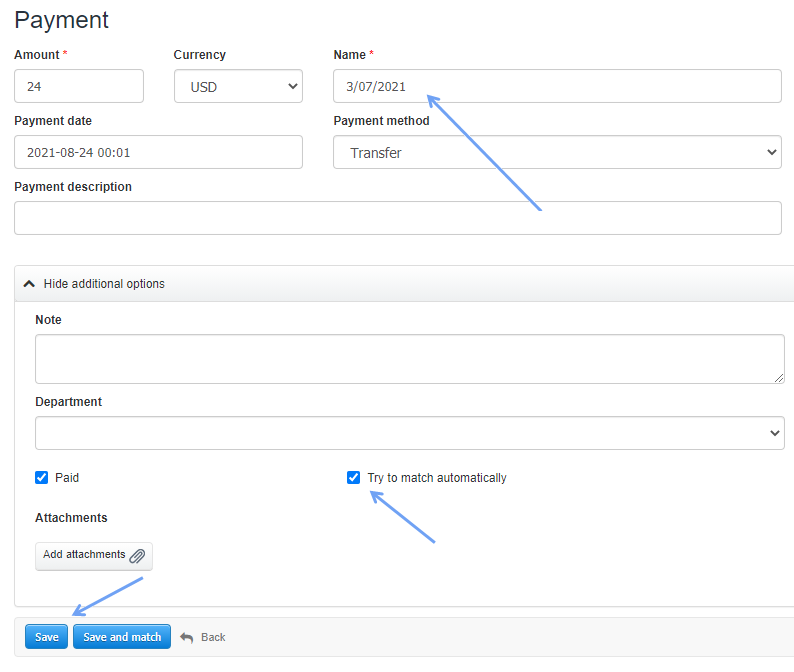
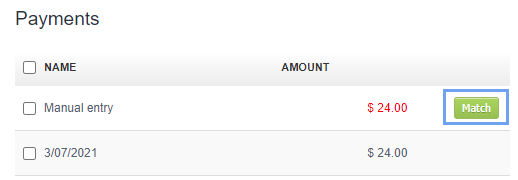
- Without providing the invoice number to which you want to assign the payment, you must assign the payment manually by clicking Match after saving.
Each subsequent payment, which is to be assigned to a given invoice, add similarly under the same invoice number.
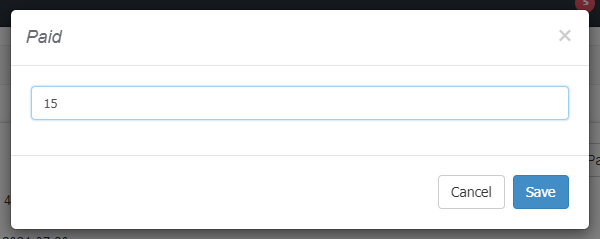
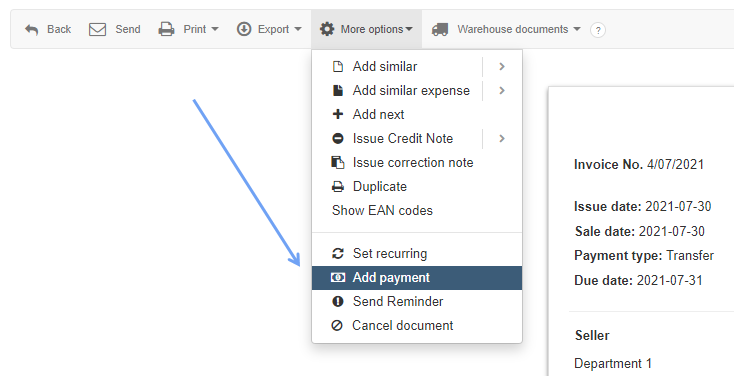
Another and faster method is to add a payment from the preview of a specific invoice to which the payment applies.
To do this, go to the preview of the issued document and select More options> Add payment.
As before, add each subsequent payment in the same way, until you reach the total value of the invoice.
What if you mark the invoice as ‘partially paid’ before adding the payment first?
The program will change the status of the invoice to Partially paid, and an appropriate note will be placed in the document activity section.