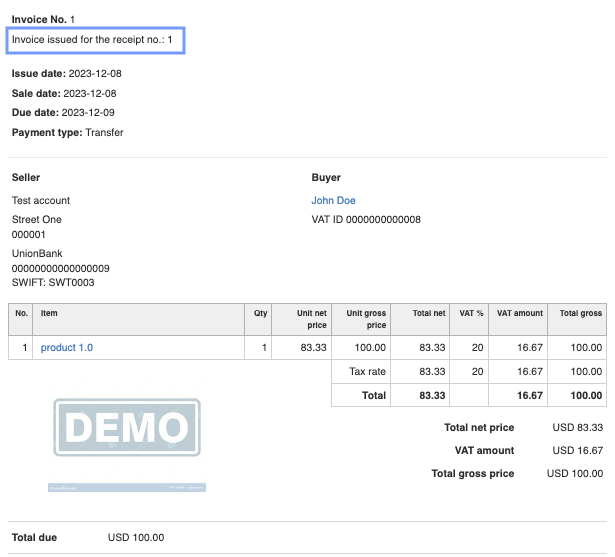
InvoiceOcean allows for the automatic addition of the receipt number on the invoice based on which it was created.
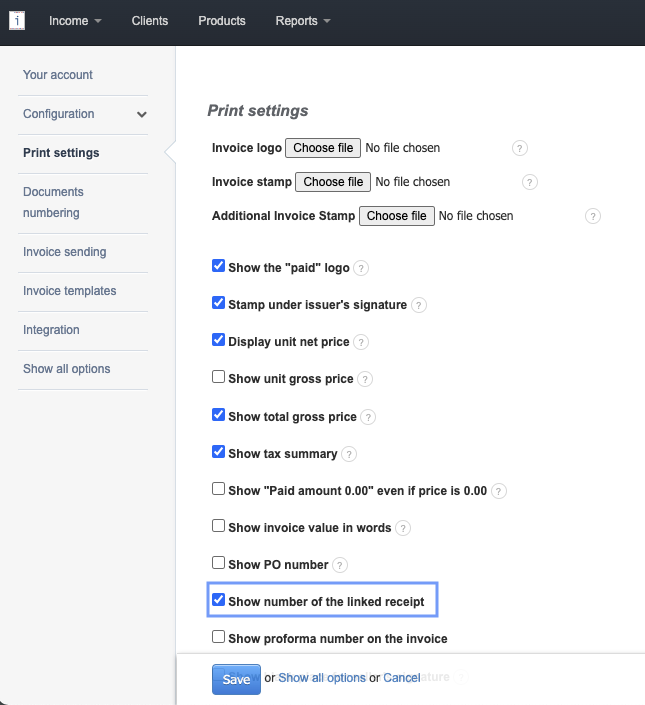
To enable the functionality mentioned above, go Settings > Account Settings > Print settings > Show number of the linked receipt, check the box, and save.
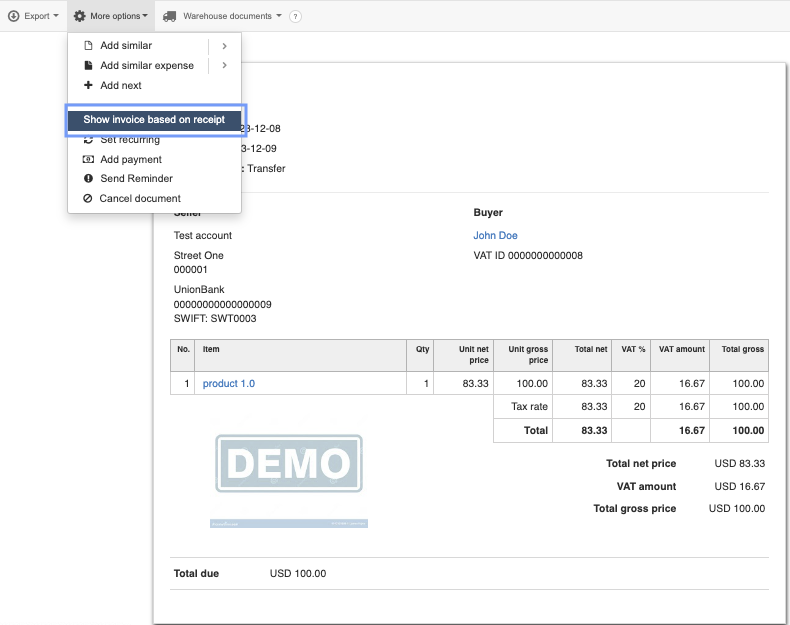
To create an invoice with an added receipt number, please use the function available from the receipt preview: More options > Show invoice based on receipt
The receipt number will be displayed beneath the document number.