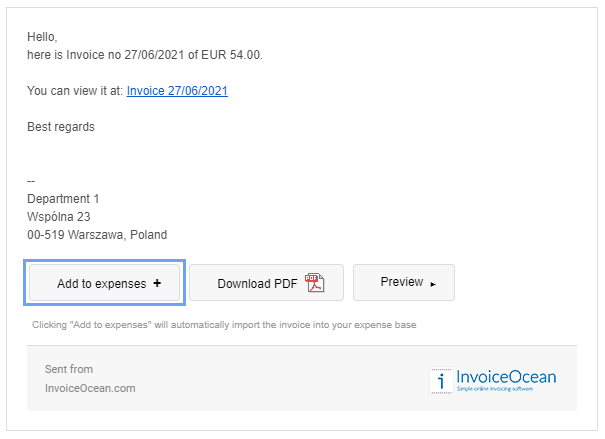
When sending invoices directly from our system, your client who receives a message with an invoice can automatically add it to expenses.
All they have to do is to click on the attached link or button "Add to expenses +" in the received email.
This option streamlines adding and storing expense invoices.
Searching for an answer...
AI Answer
Sources
Was this answer helpful?
Unfortunately, I couldn't find an answer to this question.