Besides adding a logo directly from the invoice, you can also edit/remove it.
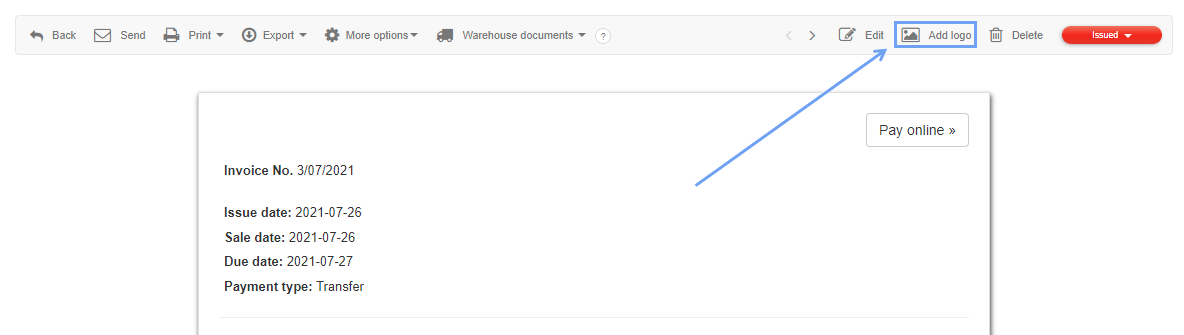
Open the edit panel of the selected document (or create a new one) and find in the top right corner the option Add logo if there is no logo added yet:
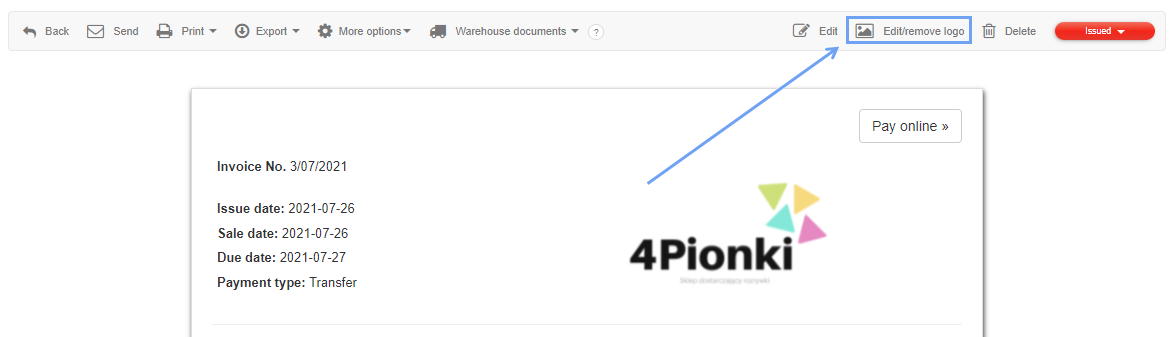
or Edit/remove logo if it is already added:
Note!
You can still add logos from company departments (See how >>) and from your account settings (See how >>).